what’s new
What’s New 2026 – SOLIDWORKS Live


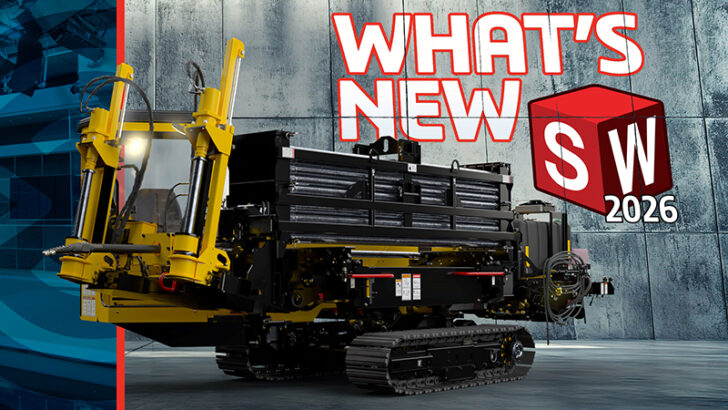
Discover What’s New in SOLIDWORKS 2026 | Watch the Full Episode Now! The release of a new version of SOLIDWORKS is always something to celebrate, and this year marks an especially meaningful milestone. As SOLIDWORKS turns 30, the 2026 release
... ContinuedThe Scoop on SOLIDWORKS 2026: Q&A with SOLIDWORKS CEO Manish Kumar

We sat down with Manish Kumar to learn more about what’s new in 3D design and collaboration, his favorite new features, and what’s coming.
... ContinuedSOLIDWORKS Delivery Day: Fresh Features and Enhancements

Join us as we explore the latest SOLIDWORKS enhancements, share insights on new features, and take a fun dive into the world of corporate design software.
... ContinuedWhat’s New in 3D Motion Creator R2025x FD01

This update includes the ability to monitor the center of mass of single or multiple bodies, create State Sets (snapshots of positioning at various times) faster, and animation replay speed control.
... ContinuedCatching up on Day Two of General Sessions at 3DEXPERIENCE World

Catch up on all the action during day two of General Sessions at 3DEXPERIENCE World 2025.
... ContinuedWhat’s New in SOLIDWORKS xDesign R2025x FD01

The February update includes improved sharing capabilities, intuitive offset and shell failure feedback, sketch improvements, and an entirely new redesigned rendering experience.
... ContinuedWhat’s New in 3DEXPERIENCE DraftSight R2024x FD04

You now have the ability to insert blocks you’ve stored on the 3DEXPERIENCE platform into your drawing.
... ContinuedWhat’s New in SOLIDWORKS 2025 – Design, Collaboration, and Data Management

Get a sneak peek of what’s new, including real-time notifications, multi-approval stamping to speed up the drawing release process, streamlined ECAD/MCAD collaboration and much more.
... ContinuedWhat’s New in 3D Motion Creator R2024x

3D Motion Creator R2024x GA features a new Submechanism command to reduce set up time, force and torque animations, and the ability to identify potential clashes between components with the new Interference Probe command.
... ContinuedWhat’s New in Collaborative Designer for SOLIDWORKS R2024x

BIG news! You now have the ability to define logic when saving configurations to the 3DEXPERIENCE platform. When you update a model that has several configurations with the same part number, SOLIDWORKS updates only one of the configurations to a physical product.
... ContinuedSpend More Time Designing and Less on Housekeeping

The latest updates to Collaborative Designer for SOLIDWORKS and 3DEXPERIENCE SOLIDWORKS has more options to help you save your data hassle-free and stay more productive.
... Continued
SOLIDWORKS 2022: Work Smarter and Faster—Together

See how your thoughts, opinions, and advice have made SOLIDWORKS 2022 easier to use than ever—thanks to all SOLIDWORKS customers!
... ContinuedTechnology Preview: 3DEXPERIENCE Works and SOLIDWORKS 2022

Did you miss the demo? Discover the 3DEXPERIENCE Works portfolio including a sneak peek of SOLIDWORKS 2022 in this Technology Preview blog.
... ContinuedDay One of 3DEXPERIENCE World 2021: Find Out What you Missed

Get caught up on all the action you might have missed during the all-virtual 3DEXPERIENCE World.
... Continued