
Discover What’s New in SOLIDWORKS 2026 | Watch the Full Episode Now!
The release of a new version of SOLIDWORKS is always something to celebrate, and this year marks an especially meaningful milestone. As SOLIDWORKS turns 30, the 2026 release delivers more power, intelligence, and performance than ever before.
Hosted by Sean O’Neill, the latest SOLIDWORKS Live episode – “What’s New in SOLIDWORKS 2026” – dives into the biggest enhancements and breakthroughs that will help you design faster, work smarter, and bring your ideas to life like never before.
🎥👉Watch the full episode now to see every demo, discussion, and highlight from What’s New in SOLIDWORKS 2026.
A Legacy Built on Listening
Sean opened the show by welcoming viewers from around the world and reflecting on three decades of design innovation powered by the SOLIDWORKS community. “This time of year is always special,” he said. “It’s about you, the millions of users who continue to inspire and push the boundaries of what’s possible.”
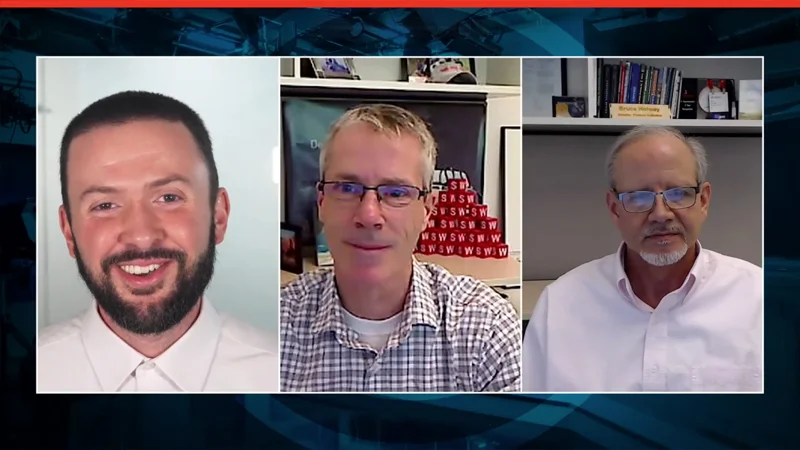
Joining him were R&D leaders Bruce Holloway and John Sweeney, who shared insights into what’s driving SOLIDWORKS development heading into 2026. From AI-driven assistance to a 48.3% performance improvement since 2023, they explained how feedback from real customers directly shapes every update.
“Listening to our users has always been our superpower,” John said. “That’s what’s made SOLIDWORKS successful for 30 years—and what will keep it strong for the next 30.”
Partner Spotlight: Vermeer

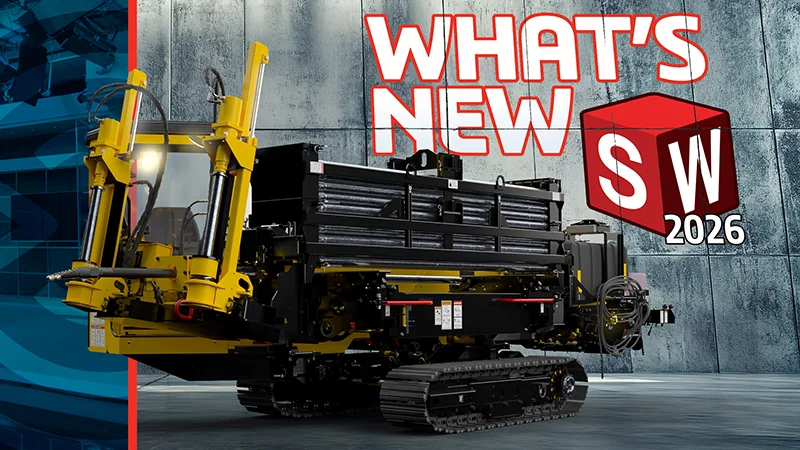
Every SOLIDWORKS release features a customer partner who helps showcase the new technology in action. For 2026, that partner is Vermeer, a global leader in industrial and agricultural equipment design. Their innovative horizontal drill model serves as the centerpiece for many of this year’s live demonstrations, showing exactly how SOLIDWORKS continues to power real-world innovation.
Feature Spotlight: Game-Changing Enhancements
In the “Feature Spotlight” segment, Sean and Jesse Sprague walked through the must-see updates every user should know.
Watch the full episode to see these in action, including:
- ⚙️ Selective Loading – Work faster with large assemblies by loading only the components you need.
- 💡 Integrated Rendering (DSPBR) – Produce stunning visuals directly inside SOLIDWORKS with new, high-fidelity materials.
- 🔩 Fastener Automation – Drop in standard or custom hardware and let SOLIDWORKS automatically align and mate components.
- 🤖 AI-Generated Drawings – Automatically create initial drawings so you can spend more time refining and less time setting up.
-
Design and Drawing Enhancements That Save Time
The episode also spotlights updates that make everyday design work smoother and smarter.
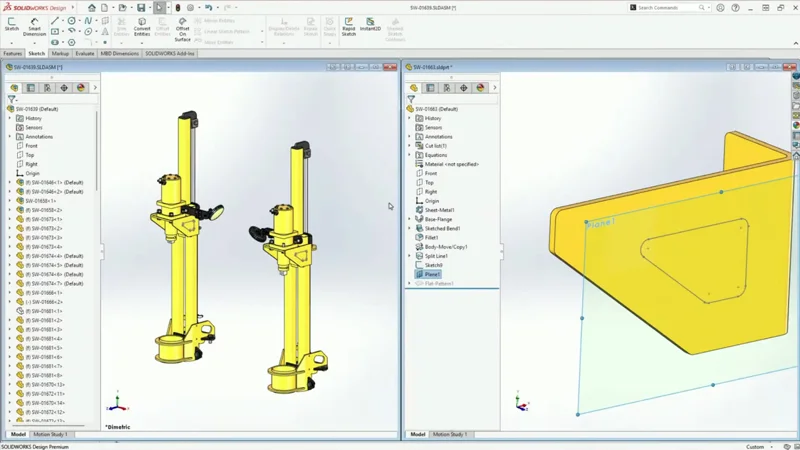
Mark Peterson showcased improvements in parts and assemblies, including:
- More intuitive corner treatments for structure systems.
- User-defined bounding boxes for consistent measurements.
- Smarter save recognition that skips unnecessary rebuilds.
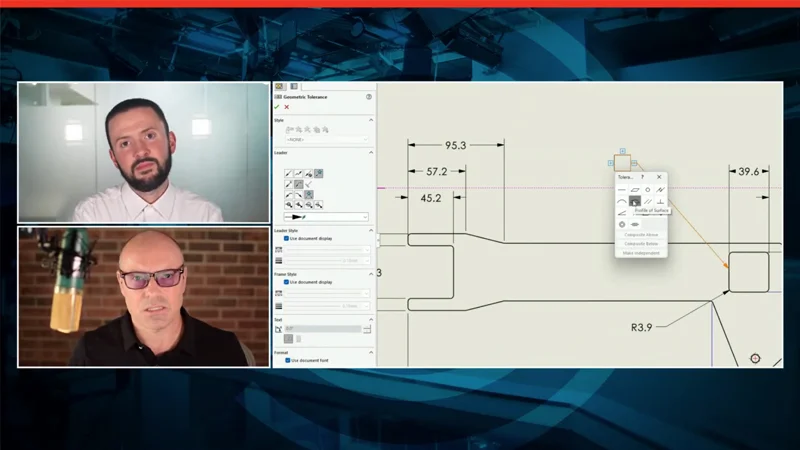
Brad Williamson revealed time-saving drawing enhancements like:
- Automatic breaks around dimension text for cleaner visuals.
- Flexible tolerance frame entries that support numbers, letters, and symbols.
- Magnetic lines for annotations – instantly organize your notes and symbols.
Workflows That Keep You Moving
Andrew Gross shared enhancements that make the User Experience faster and less frustrating.
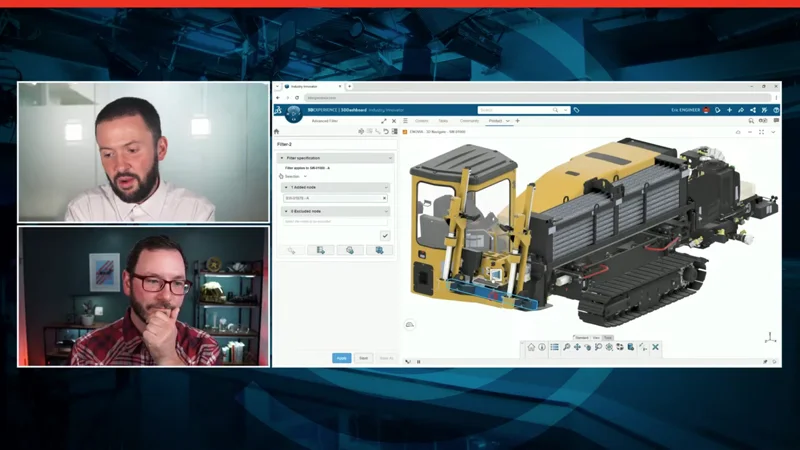
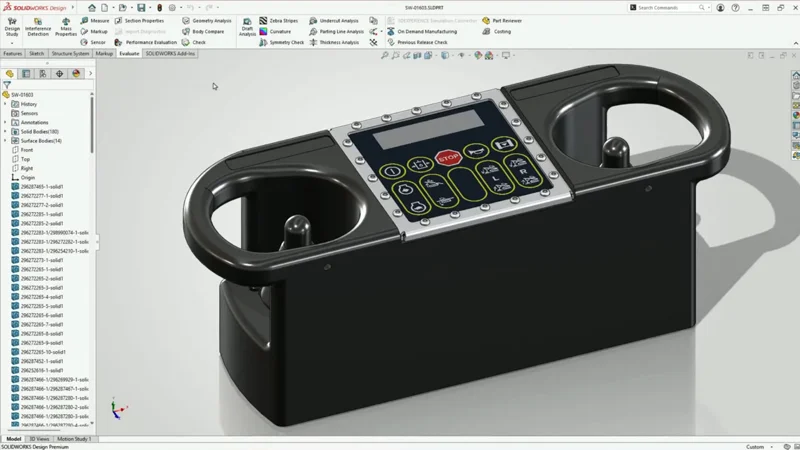
For example, new background importing allows you to keep designing while large STEP files load quietly in the background. And with new selection filters, finding features or subassemblies inside complex models is easier than ever.
Smarter Data Management with PDM
Gurpreet Singh shared how the latest release simplifies collaboration and ensures teams can focus on design, not file wrangling.
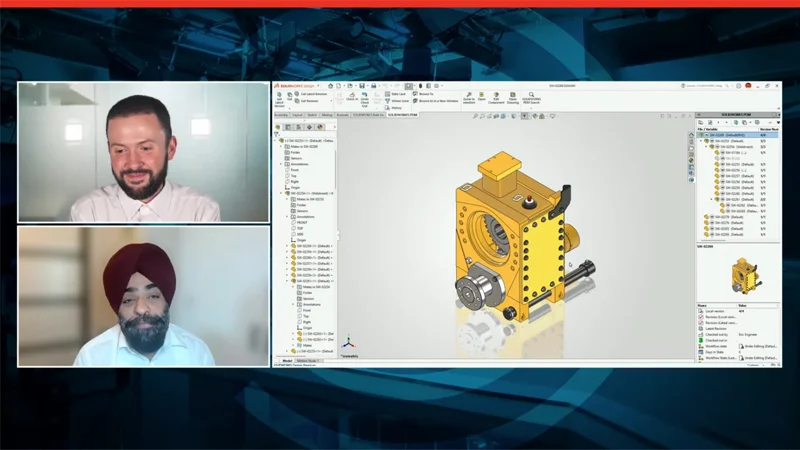
Among the highlights are transfer of ownership, improved folder access rights, and object referencing in 3DSWYM.
Design Validation Made Faster
Ronit Mukherjii described the ways that SOLIDWORKS Simulation 2026 cuts solve times, improves meshing efficiency, and gives engineers deeper insight into how their designs will perform, all before a single prototype is made.
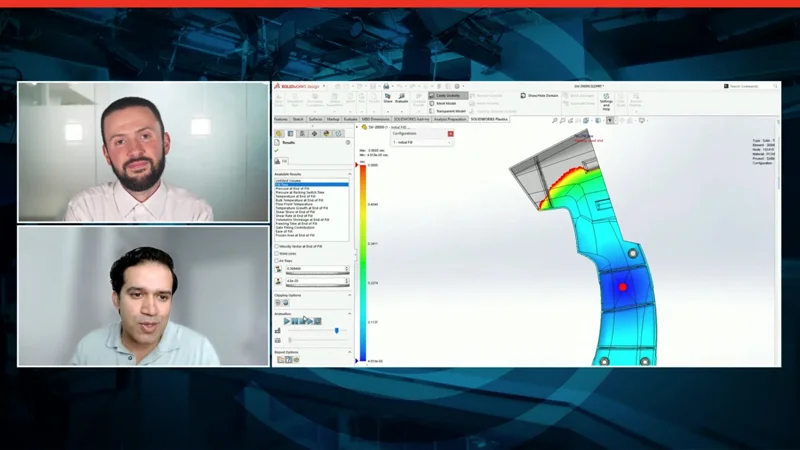
Within his extensive demo, Ronit showcased enhancements like distributed remote load on shell edges, improvements involving validity checks, and random vibration pin connector force results testing.
Connecting ECAD and MCAD Like Never Before
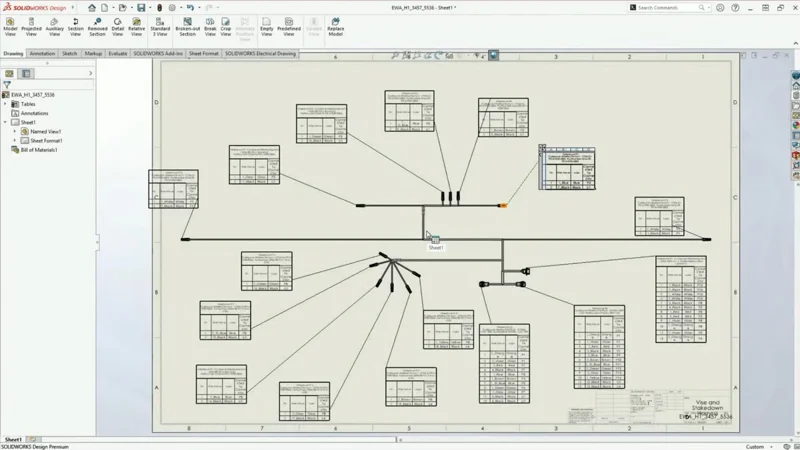
Finally, Charles Mayou took the stage to show how SOLIDWORKS Electrical and ECAD tools are evolving to meet the challenge of increasingly intertwined electrical and mechanical systems in product design.
Watch the Full Episode and See What’s Next
Whether you’re an experienced designer or just getting started, SOLIDWORKS 2026 offers something for everyone. AI-powered automation, performance breakthroughs, and countless quality-of-life improvements built from your feedback.
💻 Don’t just read about it—see it in action. Watch the full episode of What’s New in SOLIDWORKS 2026 on YouTube to explore all the demos, interviews, and insights from Sean and the SOLIDWORKS team.