subdivision modeling
What’s New in SOLIDWORKS xDesign 2026x FD01


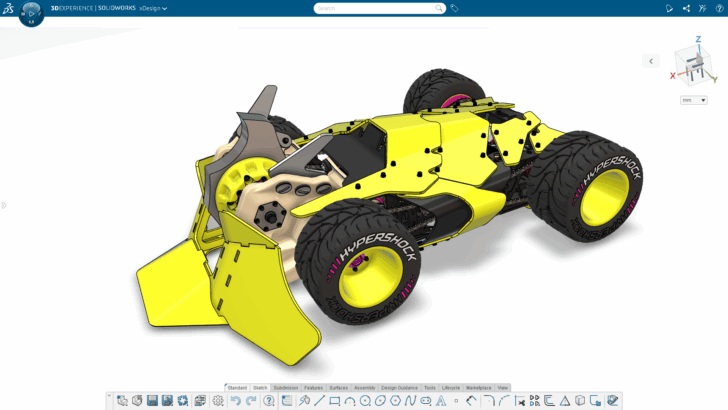
Top enhancements include the ability to convert imported geometry into editable 3D models, improvements for design reviews in extended reality (XR), and an improved home screen for faster access to content.
... ContinuedTop 10 Features in SOLIDWORKS xDesign in 2025
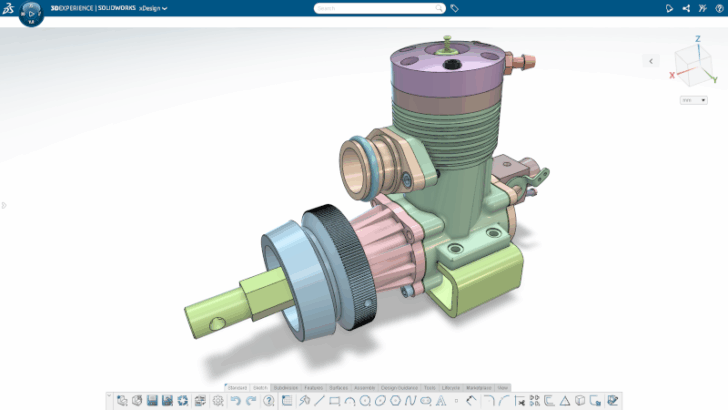
Top enhancements include a redesigned landing page, exploded views for technical documentation, and the extender reality (XR) visualization technology.
... ContinuedWhat’s New in SOLIDWORKS xDesign 2026x GA
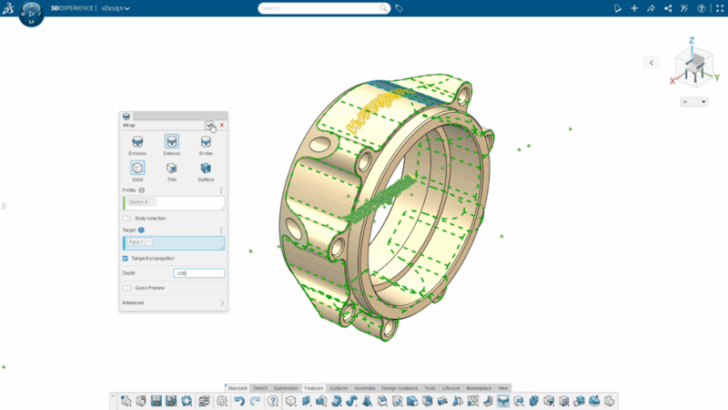
This update includes many time-saving enhancements, including a redesigned landing page, the ability to wrap sketches onto 3D faces, exploded views for product definition, and much more.
... ContinuedSOLIDWORKS xDesign – All the Fun in One
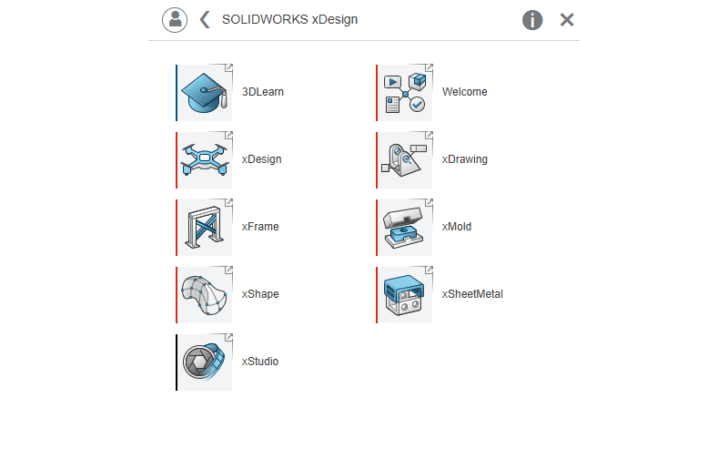
SOLIDWORKS xDesign now features all your favorite capabilities in a single solution, including parametric part and assembly design, subdivision modeling, sheet metal and more!
... ContinuedWhat’s New in SOLIDWORKS xDesign R2025x FD03

The latest update includes 2D authoring for Section and Detail Views, Generative Drawing Views, enhanced control for XR design review, and more.
... ContinuedBuilding the Green Goblin’s Glider with Carlos 3D and SOLIDWORKS for Makers

Carlos 3D, a talented engineer and maker, and SOLIDWORKS for Makers Ambassador, took on the ultimate Green Goblin cosplay costume project: recreating the Green Goblin’s glider. Carlos recently appeared on SOLIDWORKS Live to walk us through his process.
... ContinuedCombining Parametric Precision with Freeform Creativity

Do you design complex shapes? If you do, traditional tools don’t always cut it. With browser-based tools like 3D Sculptor and 3D Creator you can tackle the challenges associated with complex shapes.
... ContinuedWhat’s New in SOLIDWORKS Browser-based Roles

The SOLIDWORKS Cloud app update includes the ability to convert images to editable sketches, customizable design environments, improved standard hardware integration with PartSupply, and much more.
... ContinuedLearn Freeform Design with SOLIDWORKS Tools in xShape Master Class

Enhance your designs with freeform, subdivision modeling tools. Read this blog to learn about xShape Master Class and see how you can master next-generation, browser-based modeling tools from SOLIDWORKS.
... Continued5 Ways to Perfect Your 3D Models with Less Push and Pull in 3D Sculptor

Here’s a look at my top five favorite capabilities in 3D Sculptor and the xShape app that will help you get to your desired shape faster.
... ContinuedExpress Yourself!

The SOLIDWORKS Browser-based role update provides more ways for you to express your design intent and gain a better understanding of your models.
... ContinuedPrincess Power: Bringing Cats to Life with CAD

How do you create an organic shape like a cat using CAD software? Check out how the SOLIDWORKS Magic Wheelchair build team designed and fabricated realistic cats for Freyja’s epic princess castle.
... ContinuedLet’s Get Down and Nerdy: Surfacing with Parametric Modeling Versus Subdivision Modeling

Learn more about the strengths of both Sub-D and parametric modeling and decide which technology will best serve your current project and customer needs.
... Continued