
Parametric modeling is a dominant approach to 3D CAD that allows for feature definition and dimension control. It is proven as a fantastic method for mechanical engineering and design. As consumer preferences change, however, there is a growing need for organic, ergonomic, human-based design.
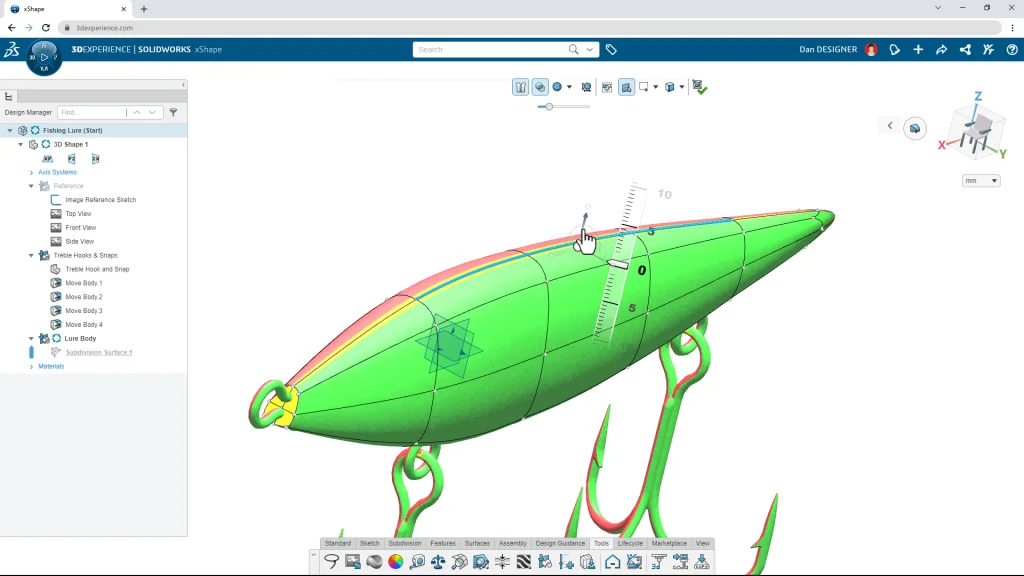
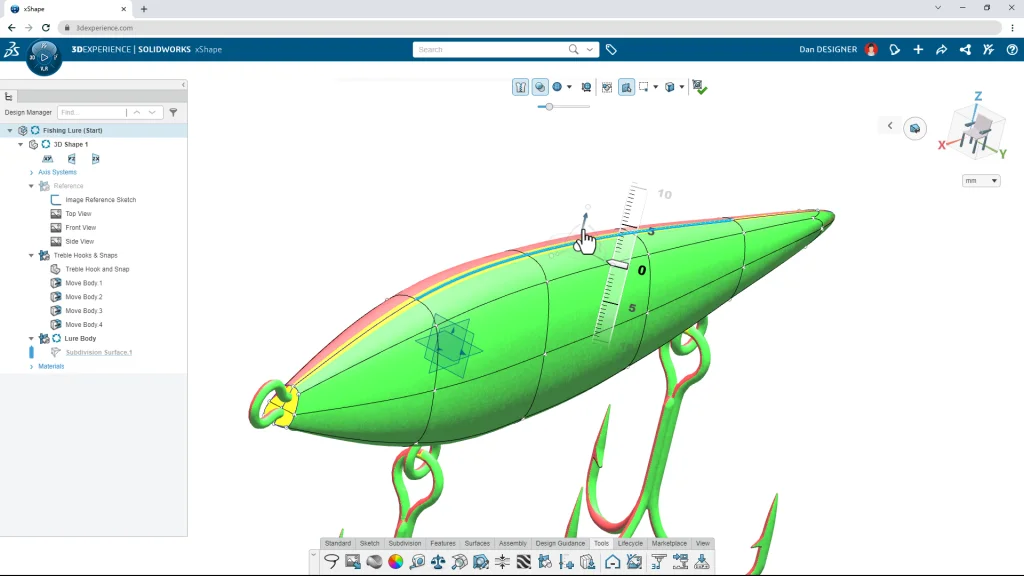
SOLIDWORKS® answers that need with the browser-based subdivision (Sub-D), freeform modeling tool xShape, found in the 3D Sculptor role on the 3DEXPERIENCE platform. And to help designers and engineers understand the best ways to think in Sub-D, SOLIDWORKS developed xShape Master Class.
Designers and engineers can watch the tutorials, but they can also get hands-on with xShape using working files. Each tutorial video comes with working files users can download so they can follow along with the video to learn how to design in Sub-D in real time.
Users who own 3DEXPERIENCE SOLIDWORKS Professional or Premium already have 3D Sculptor and xShape included with their purchase, as do users with SOLIDWORKS Cloud, the 3D Sculptor role on its own, or 3DEXPERIENCE SOLIDWORKS for Makers. Those who don’t have xShape can contact their local Reseller Partner to see how to add this new tool to their design toolbox.
With xShape Master Class, designers and engineers can learn how to use next-generation, freeform, Sub-D design tools built by SOLIDWORKS. Watch the tutorials, download the working files, and discover how you can become a modeling master today.