SOLIDWORKS
Dabbling in Dimensions- Part 2: Instant2D & Instant3D


In “Dabbling in Dimensions – Part 1” I briefly covered the “Modify” dimension box, or “the classic look” as i called it. In this blog post I will cover the Instant version of the dimensions. Within SOLIDWORKS you have 2
... ContinuedHP Smartstream 3D Build Manager: Simple Journey from Design to Printed Model

Like many of you, I love the idea of 3D printing. I used to be skeptical of its large-scale applications and ease of use. Well…that did not last long! The journey today will outline my route from concept to finished
... ContinuedAdvanced SOLIDWORKS Electrical BOM Customization

Anyone who has been in the industry long enough, knows how important Bill of Materials (BOM) really are. When it comes to customization of the table, not many software applications out there give you the freedom to set it up
... ContinuedSOLIDWORKS Part Reviewer: Keg

This is a wooden beer keg complete with staves, heads, hoops, bung holes and a spigot. The Intersect command is used to help create the barrel shaped using surfaces as the cutting tool. This part implements the use of shared sketches
... ContinuedDabbling in Dimensions- Part 1

When working in SOLIDWORKS you have a few options when working with the dimension box. You have the classic dimension box and you have the Instant2D (introduced in 2016) and the Instant 3D. Which one you wish to use is
... ContinuedSOLIDWORKS Part Reviewer: Variable Pattern Rocky Lighthouse

Variable Pattern Rocky Lighthouse: This model is intended to demonstrate the power of the Variable Pattern feature. A rocky landscape is created by patterning a Rock feature. By utilizing Variable Pattern, the dimensions within the Rock sketch are driven by
... ContinuedBe A Better Machine Designer with SOLIDWORKS Sheet Metal
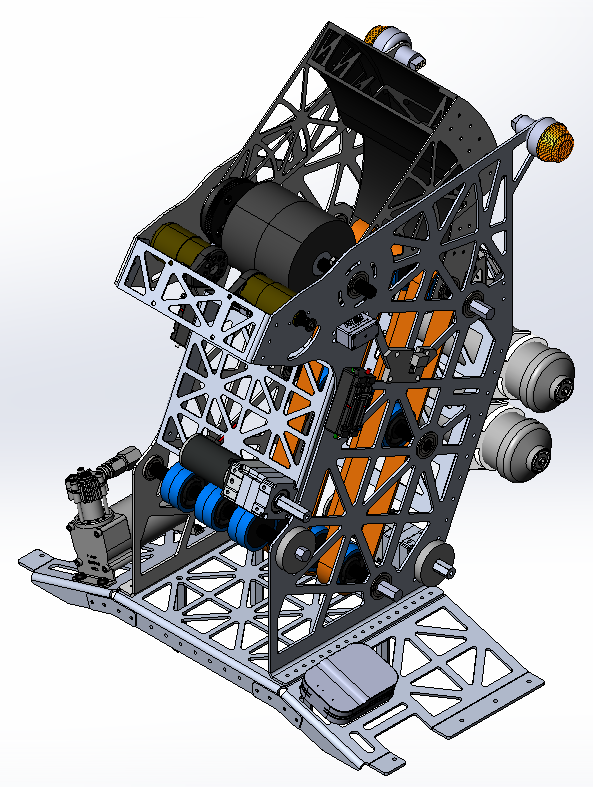
What separates the average machine designer from an expert designer? The work speaks for itself when everything fits together like it is supposed to. If you have ever witnessed someone bang or smack sheet metal parts to get the desired
... ContinuedHow Strong is Your LEGO® Piece Really? Find Out With SOLIDWORKS Simulation

Growing up and playing with LEGO® as a budding engineer, had you ever thought about how strong your LEGO® pieces were? We shall investigate this thought using SolidWorks Simulation, an FEA module that runs natively within the SolidWorks User Interface.
... ContinuedUnderstanding SOLIDWORKS File Compatibility

If you’re a SOLIDWORKS user then chances are high you’ve seen the dreaded “future version” file error. Perhaps you’ve even caused this grief for another user. So how does one avoid this problem in the future? In this quick article
... ContinuedCopy & Mate by CTRL-Drag & Drop: SOLIDWORKS Tech Tip

You may know that you can copy a component in an assembly by doing a CTRL-drag and drop. You may also know that you can create mates with the SmartMate tool by doing an ALT-drag and drop. But did you
... Continued