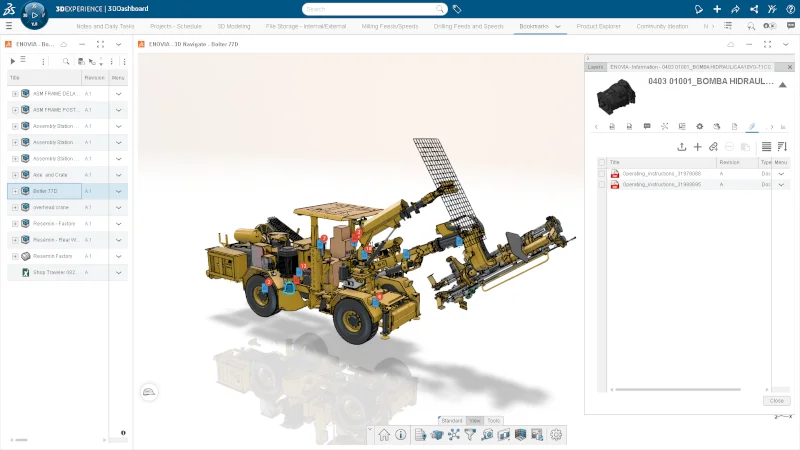

For years, companies have functioned with a disconnected approach between their design and manufacturing departments, leading to costly errors and delays in production. Now with more competition and a need to produce products faster, with higher, more predictable quality and at lower costs, companies are looking to streamline their design-to-manufacturing workflows.
Creating a product that is both innovative and manufacturable requires a collaborative approach. Designers play a critical role in bridging the gap between design and production, ensuring that products are not only functional but also optimized for manufacturing.
A big mistake companies make is treating design and manufacturing as separate phases. When manufacturing considerations are overlooked in the early stages, issues such as complex geometries, impractical materials, or inefficient assembly processes can surface, leading to costly delays.
By assessing manufacturability early in the design process, you can identify and resolve potential issues before they become expensive production challenges. This proactive approach minimizes rework, accelerates time-to-market, and ensures more cost-effective production.
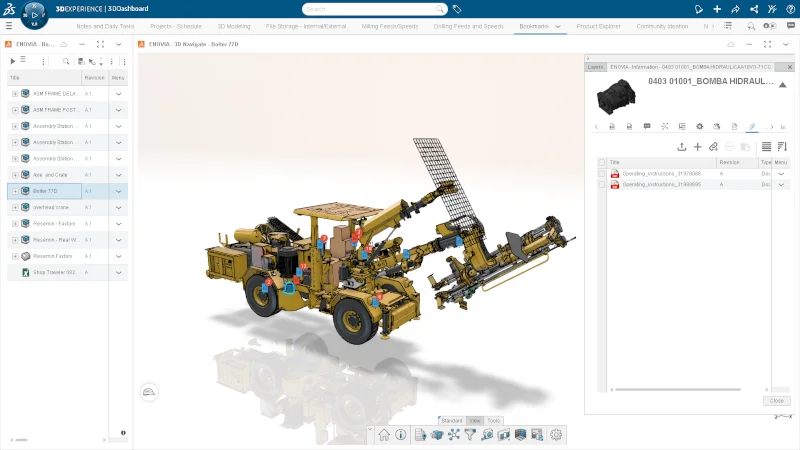
Both designers and manufacturers can take advantage of the many tools in SOLIDWORKS to verify the manufacturability of their designs. From checks for proper draft, undercuts, and machinability, to more complex tools for simulating injection-molding, SOLIDWORKS has tools to help you get the design right before it goes to manufacturing.
SOLIDWORKS MBD (model-based definition) is a must-have for conveying design intent. It enables you to communicate detailed design intent to manufacturing directly in the 3D CAD model, without the need for creating separate 2D drawings. It helps define, organize, and publish product manufacturing information (PMI), including 3D model data using industry-standard file formats.
Beyond that, SOLIDWORKS design-to-manufacturing solutions offer an integrated system, enabling design and manufacturing teams to work together concurrently. Providing all the tools in a single environment eliminates the time-consuming need for data to be translated between departments, which often results in errors and intelligence gaps. Designers and engineers can spend more time optimizing their designs, confident that their changes won’t threaten delivery targets. As a result, companies can go from conceptual design to manufactured parts faster and more easily than ever before.
Having these capabilities is great, but how does everyone stay on the same page? With a single source of truth, all data is stored in one place, that can be easily accessed, and various teams can get the information they need when they need it. We call this the platform approach.
It starts with changing the mindset and making the transition from file-based thinking to data-centric thinking, which is crucial for modern engineering. It also allows for information to flow and be accessible to more stakeholders and creates a single source of truth, reducing errors and inefficiencies.
Challenges in a file-based data management workflow include:
- Accidental overwriting of each other’s files.
- Using the wrong version of a file.
- Lack of traceability.
- Difficulty integrating designs between design and manufacturing.
- Sending large, complex designs files over email.
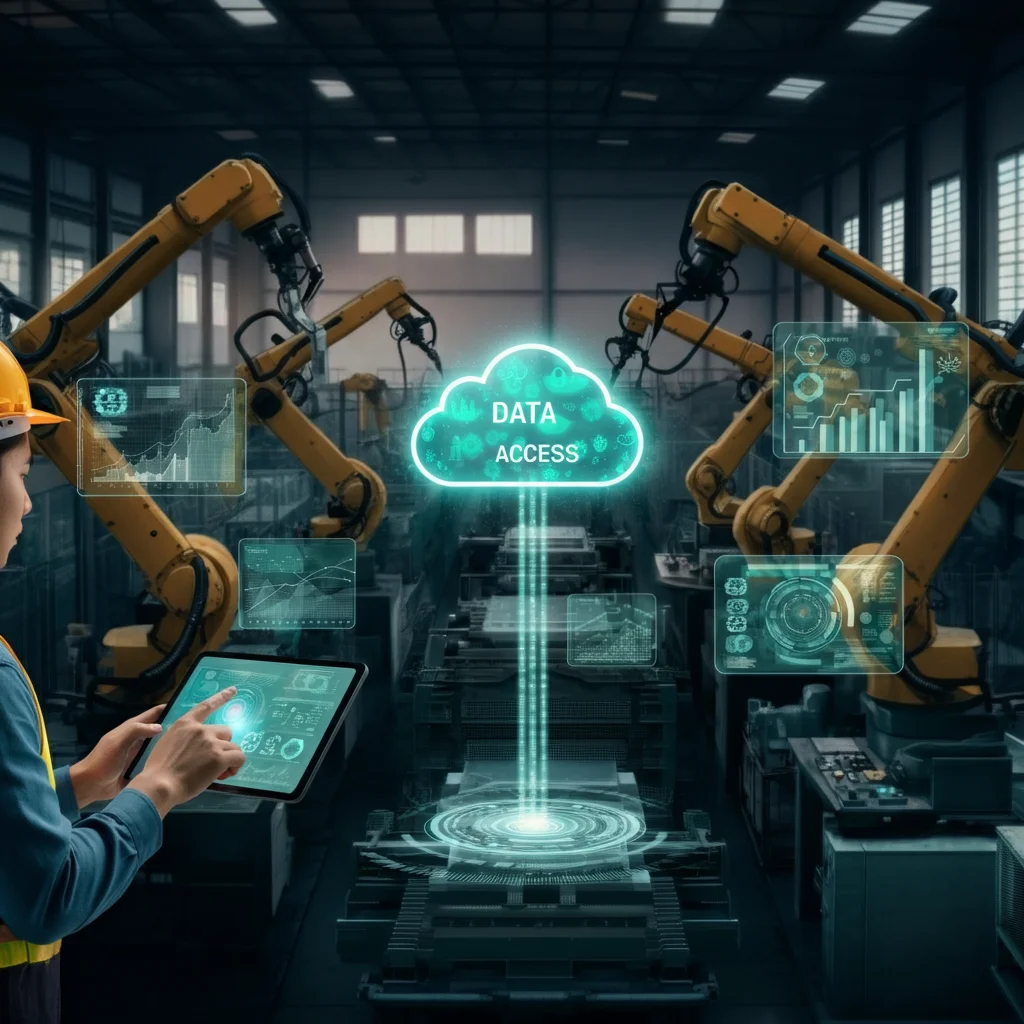
Breaking the Data Silo
A data silo is a separate collection of data that only one group can access, making it hard to work together. In a perfect world, data should flow in a continuous loop through a product’s entire lifecycle. Information just flows. It moves seamlessly in this continuous loop from the first idea to all the design and engineering into manufacturing and even data from the real world, which feeds right back into the next design.
The reality is that for most companies, those silos break the chain. The design team can’t get data to the simulation team without a huge hassle. The manufacturing floor is accidentally working from a design that is two weeks old. Every one of those breaks is a point of failure, inefficiency, and a huge risk.
How do these roadblocks even pop up? In today’s disconnected workflows, companies rely on these different specialized tools for everything. We call these point solutions. Your mechanical team uses one CAD system; the electrical team uses another. The analysis team uses another. None of the solutions are designed to talk to each other, leading to a loss of information all over the company. The cost of all this disconnection is staggering. Research shows that all that wasted time and rework can cost a business up to 30 percent of its potential revenue. That’s a big problem.
What’s the solution- how do we fix it?
It all revolves around this incredibly powerful concept that is becoming a necessity for creating a single source of truth. It’s not a product; it’s a practice of bringing all that data from all those different systems into one centralized, reliable place. It means that everyone from the engineer to the CEO is working from the same, up-to-date data and accurate playbook. No more guessing whose numbers are right.
It’s not just about plugging a few things together. It demands a really fundamental shift in the technology that powers everything. It’s about moving away from that old world of managing documents and files and the new world of managing pure raw data.
You know it well. You’ve got your traditional file storage. You’ve got folders inside of folders, inside of more folders.
A data-centric approach is the opposite of a messy filing cabinet full of folders, and is more like one giant searchable database. Instead of knowing an exact file path, everything gets a unique ID and is tagged with all sorts of useful info, making it more flexible and able to scale to insane sizes.
It’s bigger than breaking down data silos. It’s about connecting people. We’re not just breaking down data silos anymore, but breaking down the silos that exist between the different roles in your company. Just think about your team. A design engineer needs to find out which motors are the company standard for a new design, for example. A field tech just needs the installation guide for that exact motor while out in the field. The purchasing agent needs the supplier’s information to order. In the old way of doing things, they’d all be looking in completely different, disconnected locations. On a platform, they can all go to the exact same virtual twin, view the same motor, and get the specific information they need for their job.
What good is the data if you can’t find it?
With the 3DEXPERIENCE platform, all data is stored in one central location that everyone can access. It’s a single platform serving everybody’s needs. The data is organized and collaborative. Now here’s the real payoff. We give all that structured data a brain. The old way was about searching, but you’d have to know what you’re looking for and where it might be hiding. The new way is about asking the system for what you need. Imagine having the ability to pose these questions and get strategic answers that are pulled from your company’s entire history?
The old way would involve looking through emails, tracking down people, digging through spreadsheets, and manually sifting through old project files. With artificial intelligence (AI) virtual companions, you can search your company’s private internal data. Nothing is shared externally, unlocking knowledge previously trapped in old documents. The best part is it’s a learning system. The more data you feed it, the smarter it gets. It takes tracking down information from days to seconds. And there is no more having to track down the person who’s on vacation.
Having your SOLIDWORKS data on the platform gives you access to additional game-changing functionality for design and manufacturing, such as:
Selective loading of assembly components
This capability allows you to open a selective section of your design structure, also known as a partial open. In addition, you have advanced filtering capabilities so you can open a specific desired set of components. Changes made to these selected components can be saved back onto the 3DEXPERIENCE platform and are reflected in the top-level assembly.
This also allows multiple users to work on the same large assembly at the same time. For instance, if one user is focused on the fitment of a specific component in a large assembly, they can filter by volume to isolate components within a specified bounding box and work only on those parts. Similarly, for a user working on wiring of an entire system, they can use a filter to only open electrical/wiring components.
Drawing stamping
Drawing stamping functionality includes multi-level approvals, the ability to include the maturity status of a drawing through the Change Status or Change Action commands, and the ability to include more attributes, such as user names or email addresses. You can stamp the user names or email addresses of the users who participated in the drawing release process for traceability.
Drawing stamping functionality will help add clarity to your drawings and ensure stakeholders in the drawing release process can be easily contacted. In addition, the stamped information is visible in 3DPlay and other Dassault Systèmes web viewers, improving visibility in workflows that involve multiple approvals during the release process. This is great as you don’t have to be tied down to your desktop, and you can view the information from a mobile device and easily review the drawing, make comments, or approve a drawing right from your browser. Your teammates will get real-time status notifications, making it a simple, seamless process.
Once you have access to the 3DEXPERIENCE platform, you have access to even more solutions to streamline manufacturing processes, including:
SOLIDWORKS Milling: Transform your mold and die manufacturing with SOLIDWORKS Milling Professional. Designed to meet modern demands of precision and speed, this solution streamlines mold, core, and cavity machining with a unified platform. Features include automated feature recognition, AI-driven reuse, and high-speed roughing. Benefit from 3- to 5-axis toolpath conversion, integrated collision detection, and optimized feeds that improve tool life and surface finish.
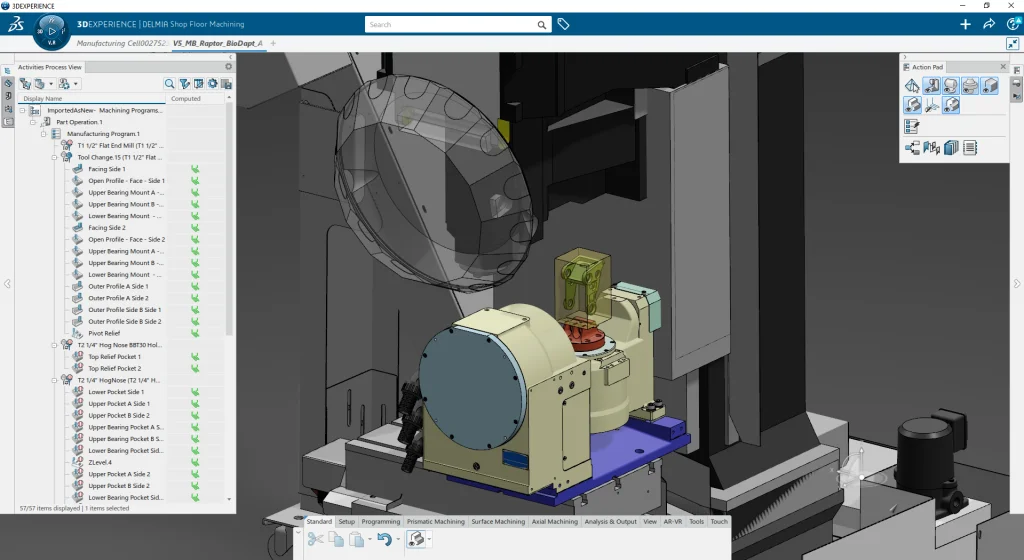
Shop Floor Programmer: This solution enables you to generate CNC programs for 2.5-, 3-, and 3+2-axis operations, to automatically detect machinable features, and perform manufacturability checks—right from your SOLIDWORKS parts. Also included is the ability to nest components and create programs for laser, waterjet, and plasma on top of traditional milling.
Robot Programming: Simulation and validation tools for robot tasks, such as arc welding and pick-and-place operations.
Virtual Factory Tools: Visually plan your shop floor layout, simulate workflows, and pinpoint potential bottlenecks before implementing costly physical changes.
The beauty of it is that you can pick what you need based on your company’s specific needs.
For more information, visit here or talk to your local reseller.