What’s New in DraftSight 2027
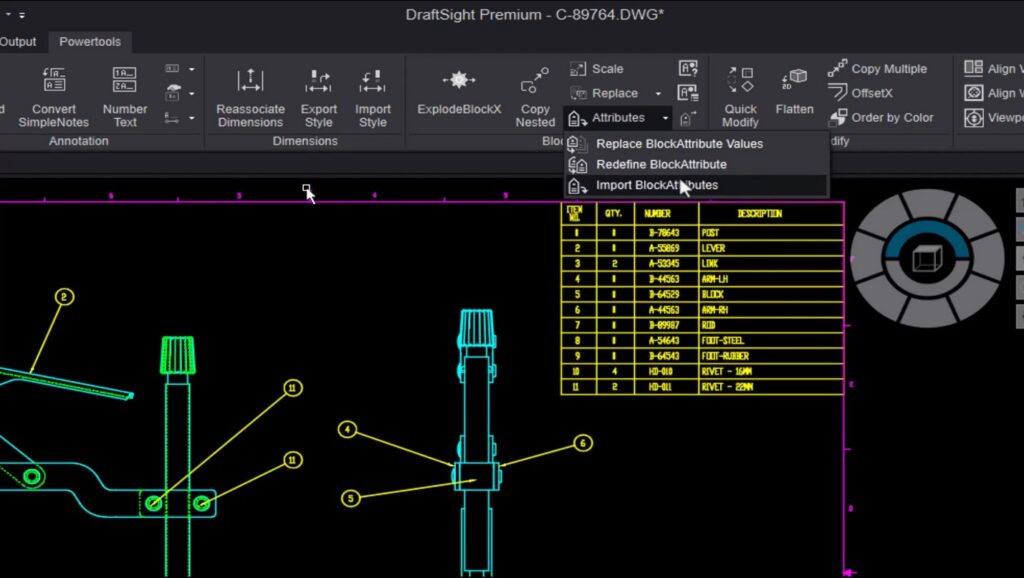
From direct STEP export and support of native Excel file format to deeper cloud PLM...
November 4, 2026

Build Custom DraftSight Add-Ins With AI: You Don’t...
In this on-demand webinar, DraftSight Technical Sales Manager Brian Vanasse shows how he used AI...
October 6, 2026
DraftSight Workflow Boost: Tricks Every User Should Know
Discover hidden DraftSight features, commands like BATTMAN and POWERTRIM, and expert tips every 2D CAD...
September 4, 2026
DraftSight R2026x FD03: New Features for Faster, More...
DraftSight enhancements include automatic post-crash restart, one-click locking control over selected drawing viewports, and automated...
August 19, 2026

Annotation Scales in DraftSight: Stop Fighting Your Viewports
Discover how DraftSight’s annotation scales simplify dimensioning across multiple viewports, eliminate duplicate annotations, and enhance...
July 6, 2026
A Closer Look at the Powertools Tab
Learn how DraftSight’s updated Powertools Tab helps accelerate drafting workflows with tools for text editing,...
June 12, 2026

DraftSight 15th Anniversary
Explore 15 years of DraftSight, from DWG drafting to advanced 2D CAD workflows, automation, and...
April 20, 2026

DraftSight Premium for the Price of DraftSight Professional
As the year closes, many teams take the opportunity to evaluate the…
November 18, 2025

5 Reasons to Make the Switch to DraftSight
In design industries dominated by precision and speed, selecting a reliable and…
September 26, 2025