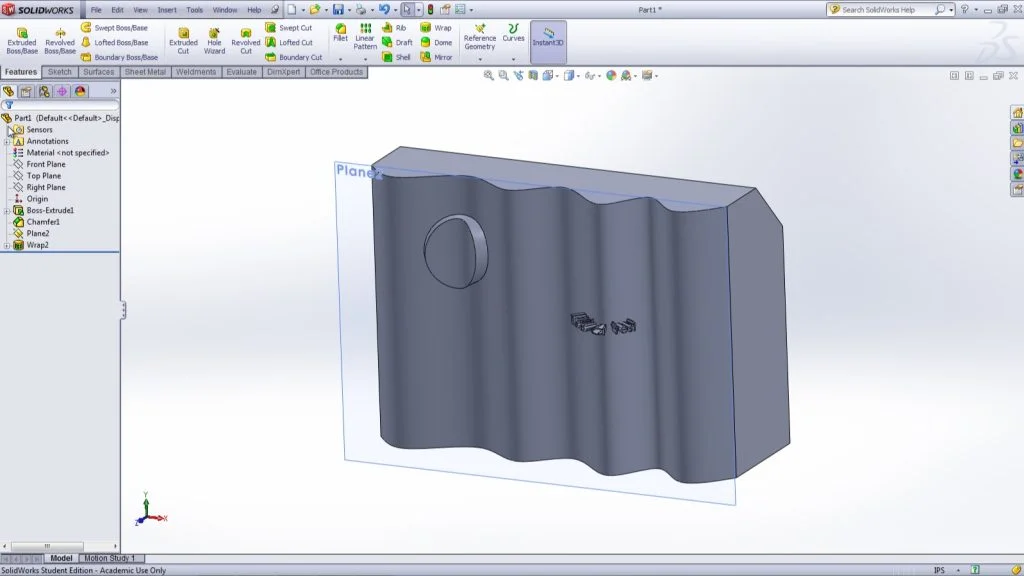

This video covers the SolidWorks wrap feature. The details of how to use this feature as well as the different options available while using this feature are shown. This tool is useful in order to place text or other designs on planer and non-planer surfaces. Using this feature you can add, subtract, or scribe the wrapped text. I hope you find this video informative and trying using this feature in your next model.
Ian Jutras