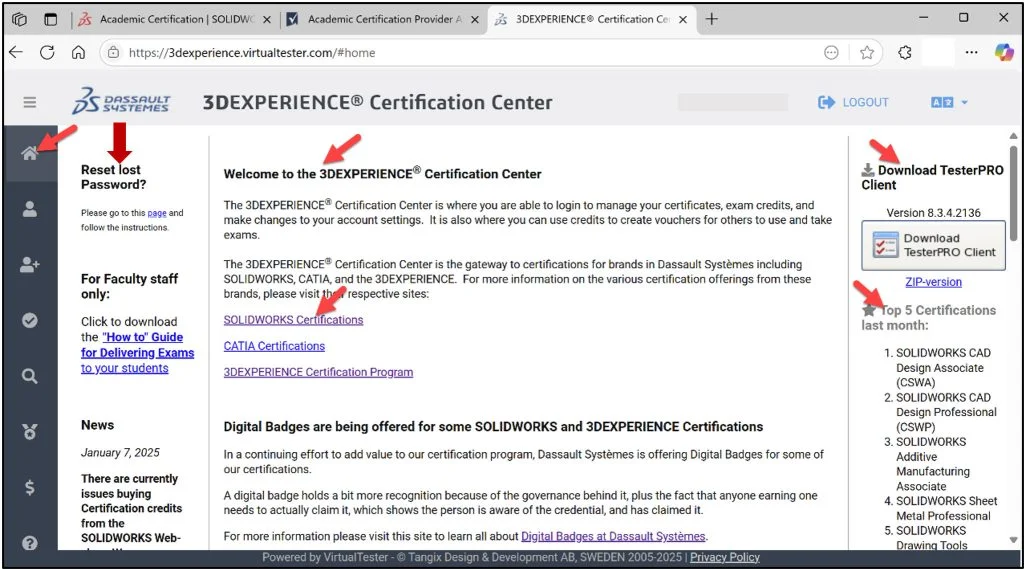

In Lesson 2, we covered the on-line application to become a SOLIDWORKS Academic Certification Provider. Academic Certification | SOLIDWORKS. You need to be an Academic Provider to administrator certification exam opportunities to your students. All certification exam opportunities are managed by the Academic Provider in a proctored environment.
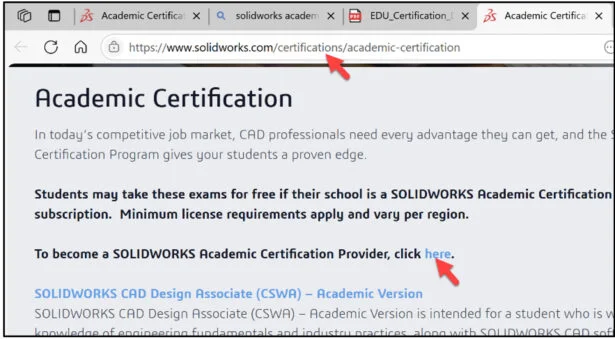
Lesson 3 covers the 3DEXPERIENCE Certification Center Home page. View the available tools for educator and students. The 3DEXPERIENCE Certification Center is used by all members of the SOLIDWORKS community: engineers, designers, makes, educators and students.
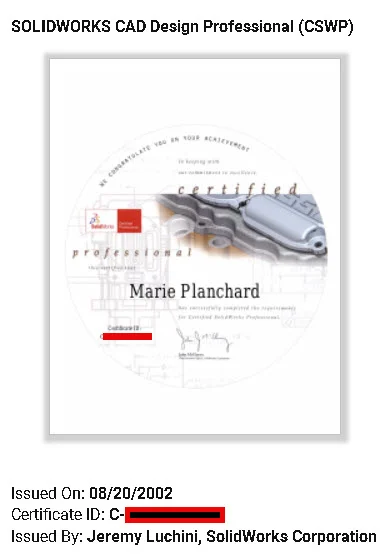
I received my first certification, Certified SOLIDWORKS Professional (CSWP), in 2002 when I was an engineering professor at Mass Bay CC. I was fortunate to take the SOLIDWORKS Essentials class with Fred Koehler, senior training specialist. Twenty-three years later, I can return to the 3DEXPERIENCE Certification Center and view 25+ SOLIDWORKS and SOLIDWORKS xDesign (3DEXPERIENCE) certifications. You and your students will be able to use this site for years to come.
Click the following link: https://3dexperience.virtualtester.com.
Login to 3DEXPERIENCE Certification Center Home page. Create an account if required.
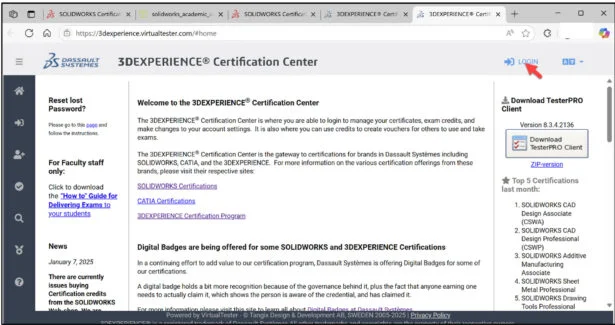
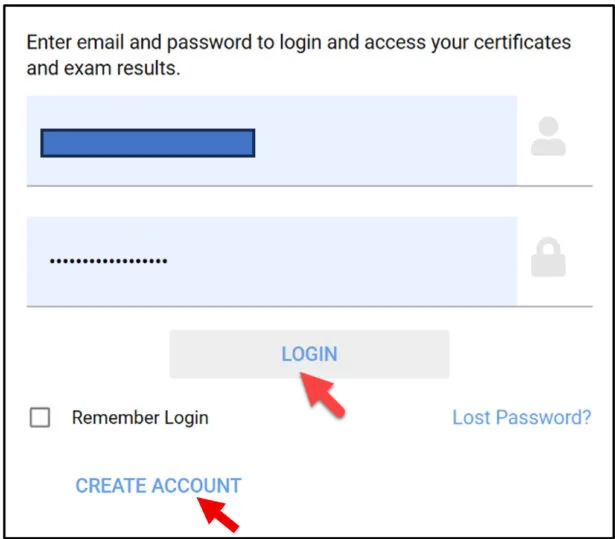
The 3DEXPERIENCE Certification Center Home page is where you are able to login, manage your certifications, create exam opportunities, apply student exam credits, setup exam classes, and view / manage automatic exam grades.
Once a student creates their individual account, (school email address is required) this is where they will Login, download the TesterPRO Client, take their sample CSWA exam, take their exam opportunities and manage their personal settings. Note: A key area is the Reset lost Password section if a student does not remember their password. The Academic Provider does NOT have access to their student account password.
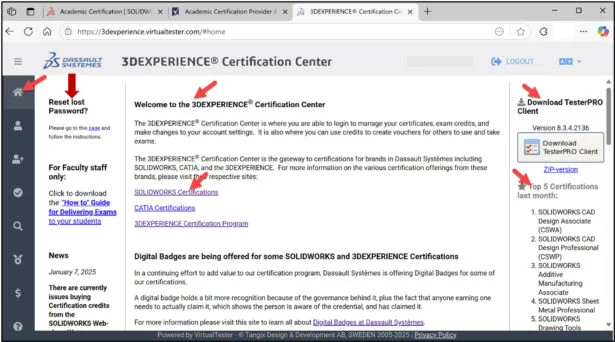
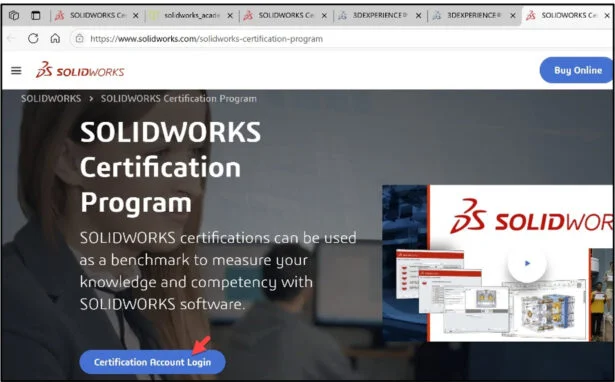
Note: You can also use the SOLIDWORKS Certification Program | SOLIDWORKS site to access the 3DEXPERIENCE Certification Center Home page.
Click the Certification Account Login button. Login to the 3DEXPERIENCE Certification Center Home page website. Create an account if required (school email address is required).
Let’s review a few key areas on the Home page.
The first icon on the left side is the Home page. The Home page provides access to various certification links, information about digital badges, reset lost password and delivering a certification exam, “How to” Guide for Delivering Exams, and access to download the TesterPRO Client. Download the Guide.
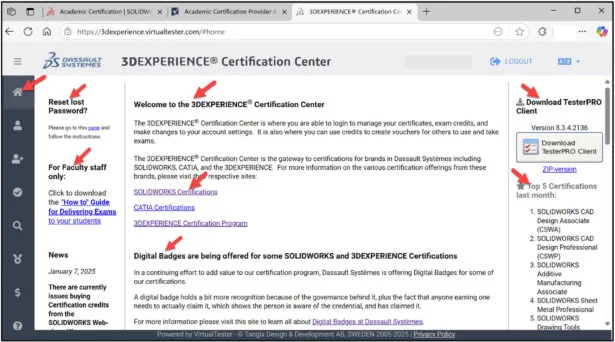
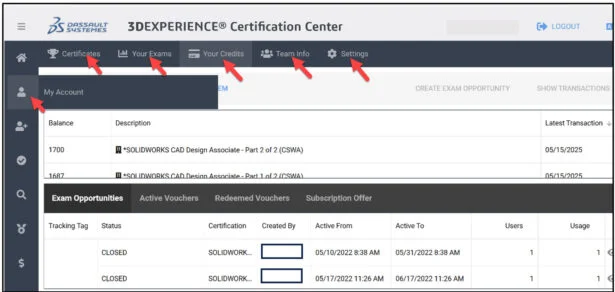
The second icon on the left side is the My Account page. The My Account page provides information about your Certificates, Your Exams, Your Credits (Your account shares a set number of available test credits according to your School or District SOLIDWORKS seat count quantity), Team information and personal settings.
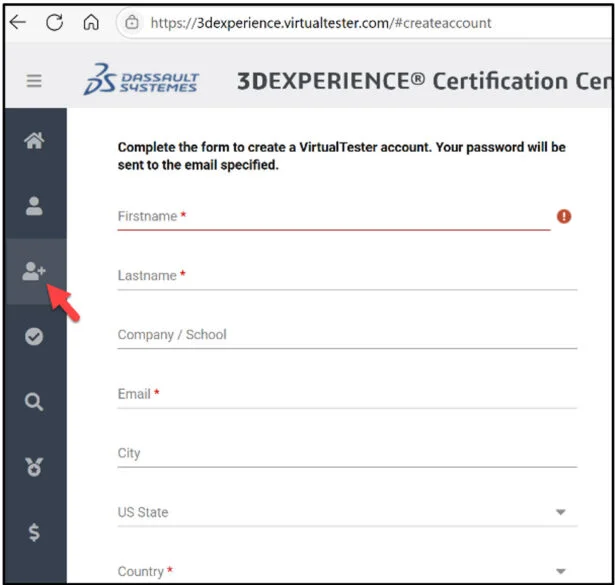
The third icon on the left side is to create a VirtualTester account (school email address is required). This is where your students go to create their personal account (to login to the 3DEXPERIENCE Certification Center Home page. Note: It is highly recommended that the student VirtualTester account is the same as their 3DEXPERIENCE ID Platform account.
From the 3DEXPERIENCE Certification Center they can manage their information, download the TesterPRO Client, take their free sample CSWA exam, take other certification exams, address their digital badges and more.
The lesson is finished.
In Lesson 4, address the 3DEXPERIENCE Certification Center Home page, creating student Exam Opportunities, and taking the SOLIDWORKS CAD Design Associate (CSWA) Certification exam.