
Please welcome today’s guest author, Dan McGinn, SOLIDWORKS on The Cloud, Roles Portfolio Manager.
The latest functional delivery (FD) update, R2025x FD03, dropped July 5th and includes some enhancements for both education editions of xDesign, SOLIDWORKS xDesign for Students and 3D Designer for Education, which are available to students and educators.
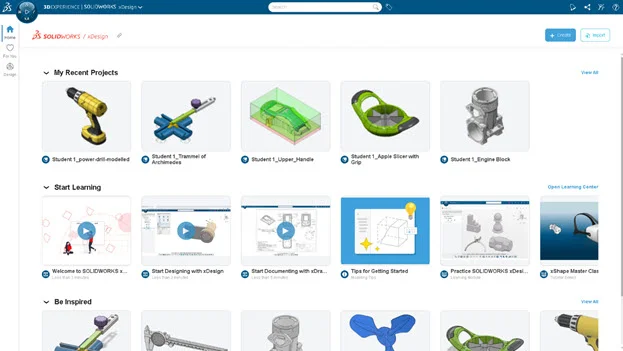
SOLIDWORKS xDesign for Students is a solution that features browser-based apps and CAD tools for parametric design, subdivision modeling and more. In the last update of SOLIDWORKS xDesign for Students we included a new layout for the landing page, a new Learning Center with educational resources, and the For You tab featuring articles, community posts and videos by other users. FD03 adds a default bookmark and more!
3D Designer for Education is a solution for students enrolled at a school or university that enables them to access the same browser-based design tools as xDesign for Students, in addition to tools to access their class curriculum and collaborate with educators. The FD03 update for 3D Designer for Education makes it easier to browse and submit coursework while using xDesign.
These enhancements apply to 3D Designer for Education:
Access Class Content
Students enrolled in a class can now access their classwork via the “Classes” Tab in the new 3D Designer for Education home screen. Under the Content tab, students can view all their enrolled classes and browse the class content, organized in the exact same way as the teacher created it using the Teacher app.
Class content could include 3D models, annotation sets, videos, documents, photos, and assignments uploaded by a teacher.
The following enhancements apply to both SOLIDWORKS xDesign for Students and 3D Designer for Education:
Access Recent Work and Restore Across All xDesign Sessions
Resume your design work seamlessly by restoring unsaved data or opening recent content from any xDesign session, regardless of whether it’s opened in the same widget or not. Recent content and automatic restore points are now stored centrally as opposed to on a specific compute server, allowing users to access that data in any xDesign session.
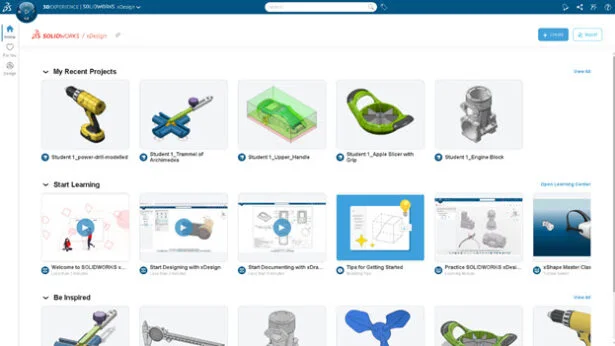
Last, we’ve added the automatic creation of a default bookmark to simplify content organization and make it easier for teachers and students to locate their data in the Bookmark Editor.
These enhancements are available now! To see the full list of FD03 enhancements check out this blog. Learn more about the enhancements for FD02 here.
For more information on our education offerings covered in this blog visit the SOLIDWORKS for Students web page: https://www.solidworks.com/product/students and the 3D Designer for Education webpage: https://www.solidworks.com/media/3d-designer-education.
Thank you Dan for sharing with the SOLIDWORKS community.
Design well, Marie