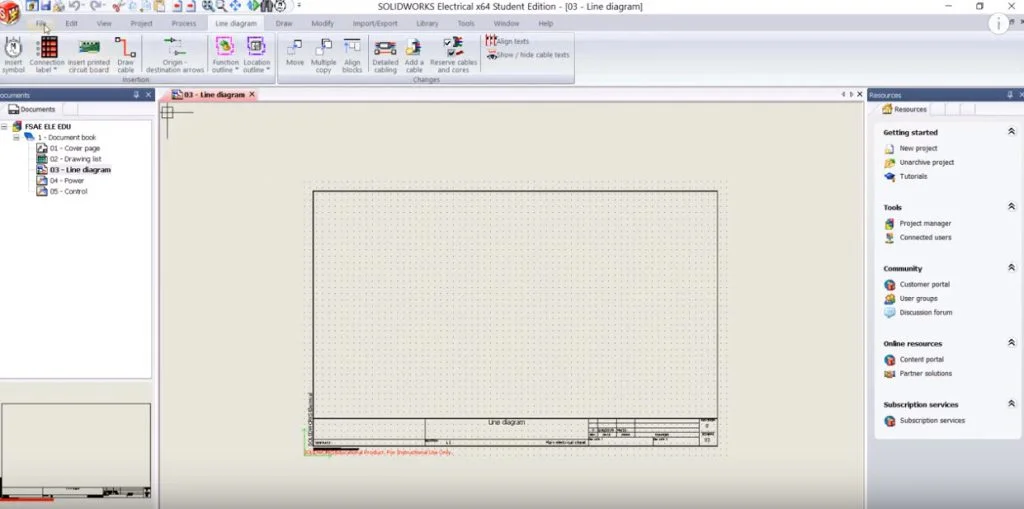

Welcome to the SOLIDWORKS Electrical Formula SAE Tutorial Series. This series will show FSAE teams how to use SOLIDWORKS Electrical and use its different functions. In this first video, we will learn how to create a new project or make our own custom template.
In the next video, we will learn how to insert and create a line diagram symbol. Follow us throughout the next few months to learn how to complete the rest of the SOLIDWORKS Electrical Project for FSAE students.