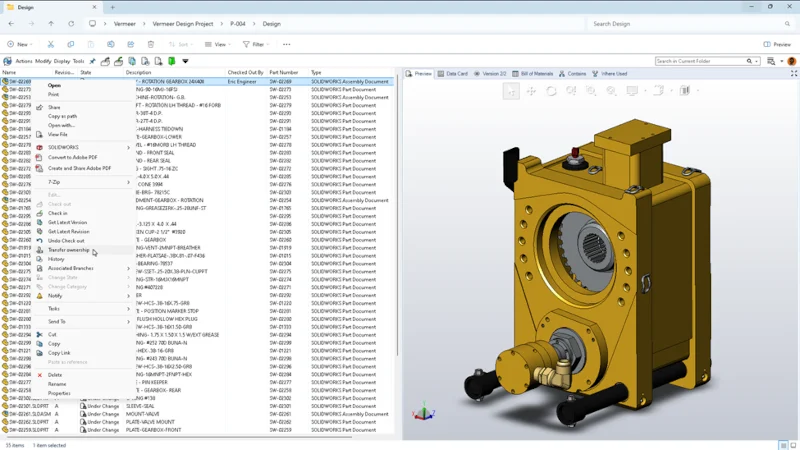

When it comes to data management, we want to make it as easy as possible for users to spend more time doing what they love- designing. SOLIDWORKS PDM 2026 has many productivity enhancements, including my personal favorite: synchronized vault views so you never lose saved work, the ability to archive unused workflows, and more.
- Synchronized Vault Views – avoid data loss and easily recover locally saved files.
Recover checked-out modified files from an automated backup on the archive server in case of hardware failure or user absence. With synchronized vault views on the archive server administrators can rest easier knowing users’ work won’t be lost.
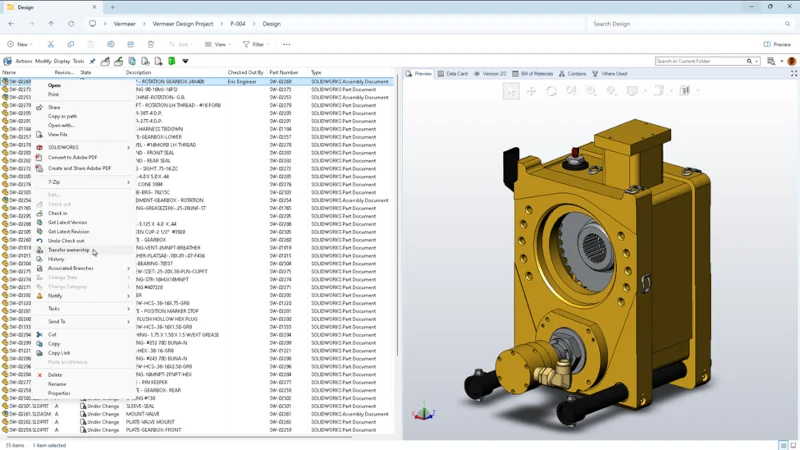
How it works is SOLIDWORKS PDM automatically synchronizes modified checked-out files to the archive server, where the local view is connected. This lets different users work on these files on different computers without checking in the files to the SOLIDWORKS PDM vault by taking up the ownership using Transfer Ownership.
For example, if you have checked out a file and modified and saved it on one computer, you can sign in to a second computer, transfer ownership of the file to the second computer, and start working with the file.
In the same way, another user can take ownership of the file on the same or a different computer and can further view, modify, or check in the file.
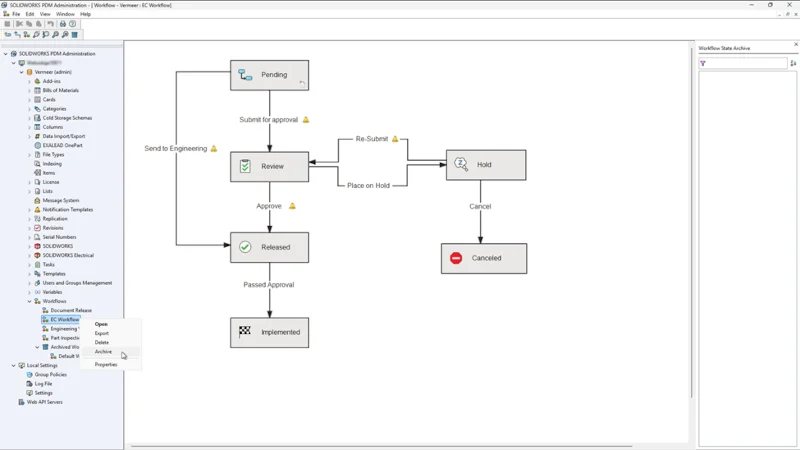
- Archive Workflows – simplify system management for faster, more reliable administration.
Entire workflows can now be archived, providing greater control when introducing new workflows. Administration can archive unused workflows to declutter the administration tool, prevent the use of outdated or incorrect workflows, and keep processes organized.
Archiving a workflow is easy: right-click the workflow and select Archive from the menu.
- Granular User Access – enhance data security and provide quick access for users to view sub-folders.
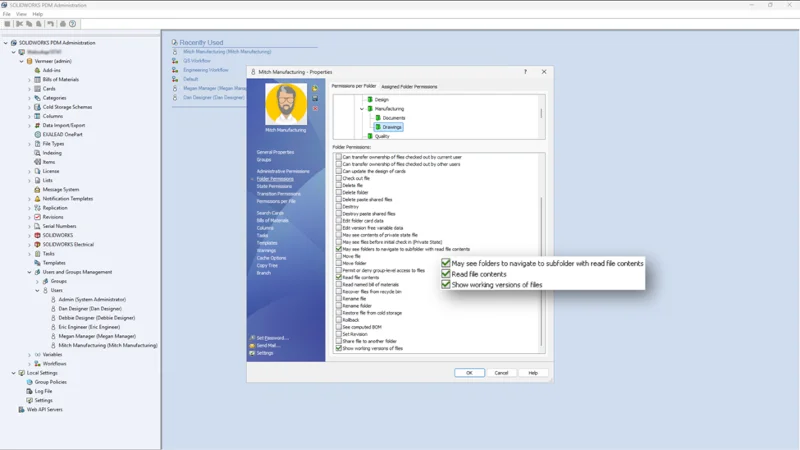
Control visibility by granting access to sub-folders without exposing parent folders to protect sensitive data and collaborate quickly and securely.
Administrators can grant access in the SOLIDWORKS PDM Administration tool or through the Properties dialog for folders and files. There’s a new folder permission called “May see folders to navigate to this sub-folder with read file contents.”
- Enhanced CAD File Preview Option – save time by previewing third-party CAD data.
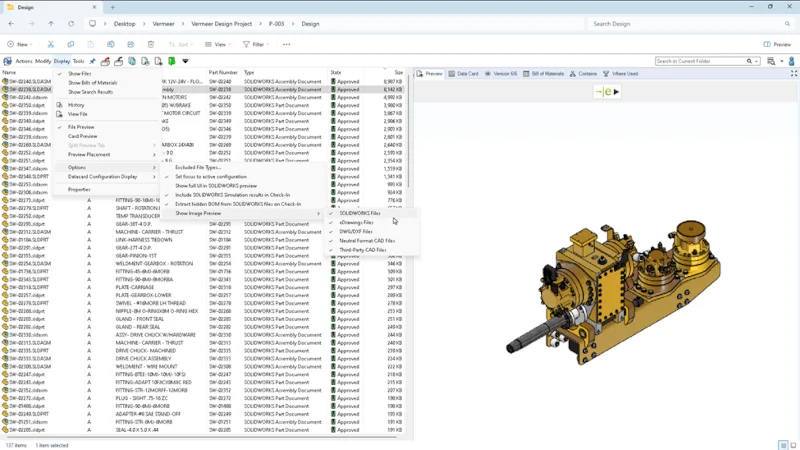
View static image previews of third-party CAD files, so you can easily identify content. Under Display, Options, Show Image Preview, you’ll now find more options in a fly-out menu, including eDrawings, neutral files and third-party CAD, in addition to the existing SOLIDWORKS file and DWG options. This will save you time as you don’t have to wait for a full preview, as you can view the thumbnail image of these additional file formats.
- Improved Web Client Usability – enjoy faster and more convenient BOM management from anywhere.
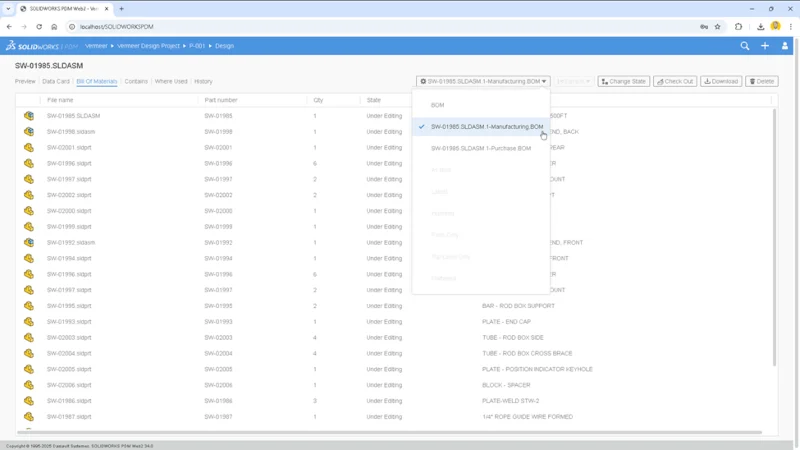
You can now view and edit Named Bill of Materials (BOMs) directly in Web2. In addition, there’s a collapsible variables panel for improved screen usability.
- Stronger Traffic Encryption – Improve protection of sensitive data during transfer.
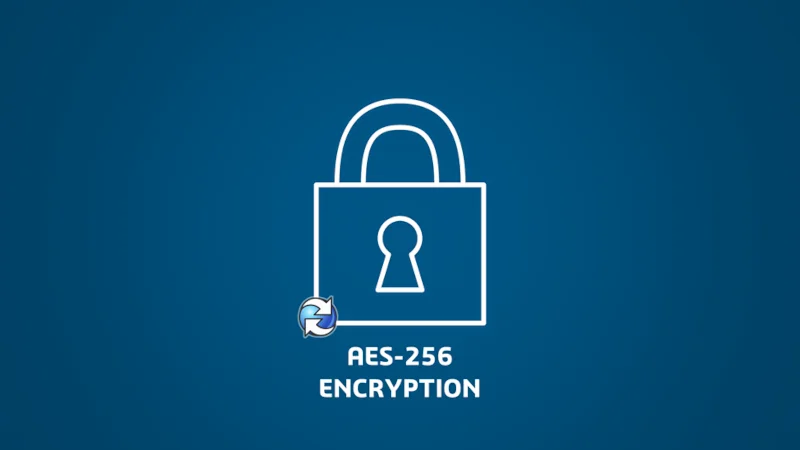
Enhance security for data in transit with support for AES-256 encryption, enabling compliance with stricter cybersecurity requirements.
- Improved Database Upgrades – reduce errors and save time with a simplified database.
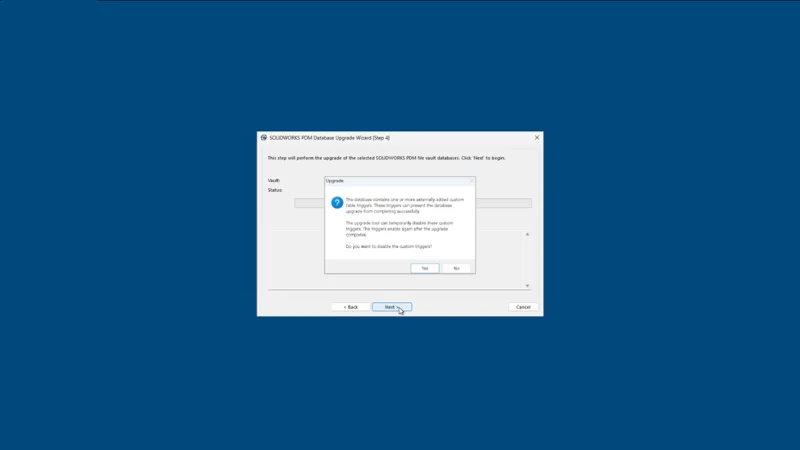
Improve upgrade efficiency with a redesigned user interface, better progress tracking, and clearer issue reporting in the Database Upgrade Wizard.
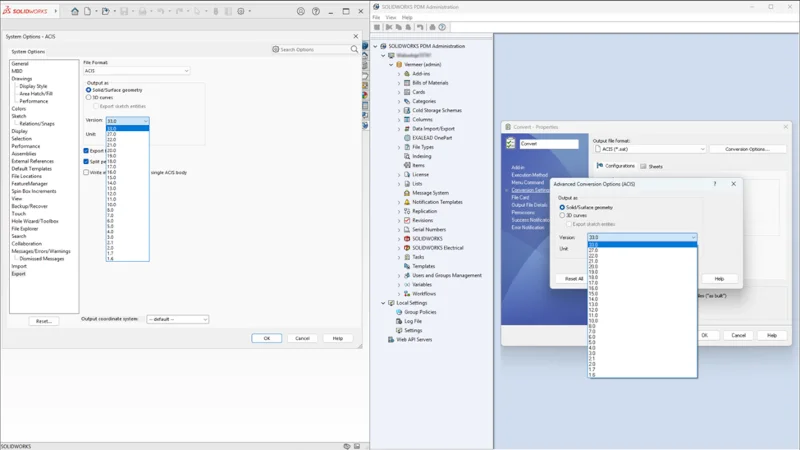
- Streamlined File Conversions – enhance file conversion control to match project requirements more precisely.
Gain greater flexibility in file conversion workflows with new Convert Task options enabling you to specify ASICS or Parasolid versions and support advanced scripting for DraftSight and Office-to-PDF conversions.
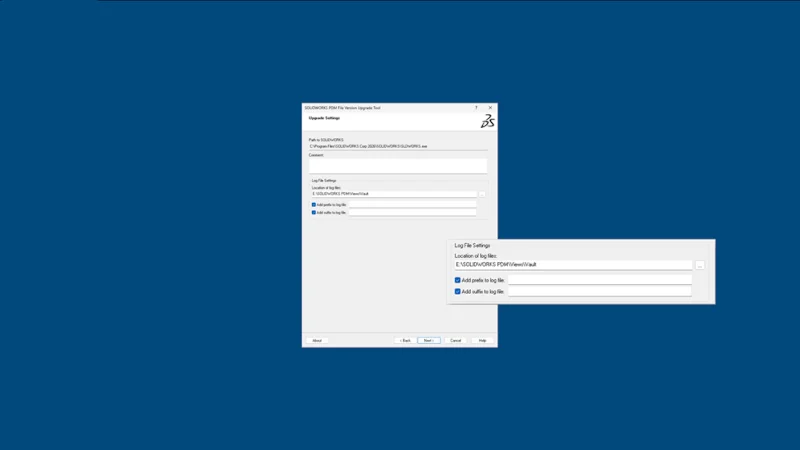
- Improved File Version Upgrades – upgrade SOLIDWORKS files to a newer version format more easily and efficiently.
Exercise greater control over which SOLIDWORKS files get upgraded and how with improved user interface and upgrade options in the File Version Upgrade Tool.
10. Improved User Authentication – strengthen user authentication with support for modern enterprise IT systems.
SOLIDWORKS PDM now supports Kerberos authentication, in addition to existing NTLM and NTLMv2 protocols, offering greater security and integration with modern Windows® environments.
Ready to dive into SOLIDWORKS PDM 2026? Keep this list of enhancements handy. Download the flyer here.
Get more PDM resources and see what else is new in SOLIDWORKS 2026 at https://www.solidworks.com/product/whats-new.
Ready to leverage more collaboration and data management capabilities and put your data on the 3DEXPERIENCE platform? We can help. We offer the 3DEXPERIENCE Transition Assistant tool. Stay tuned for more details coming soon in my next blog!