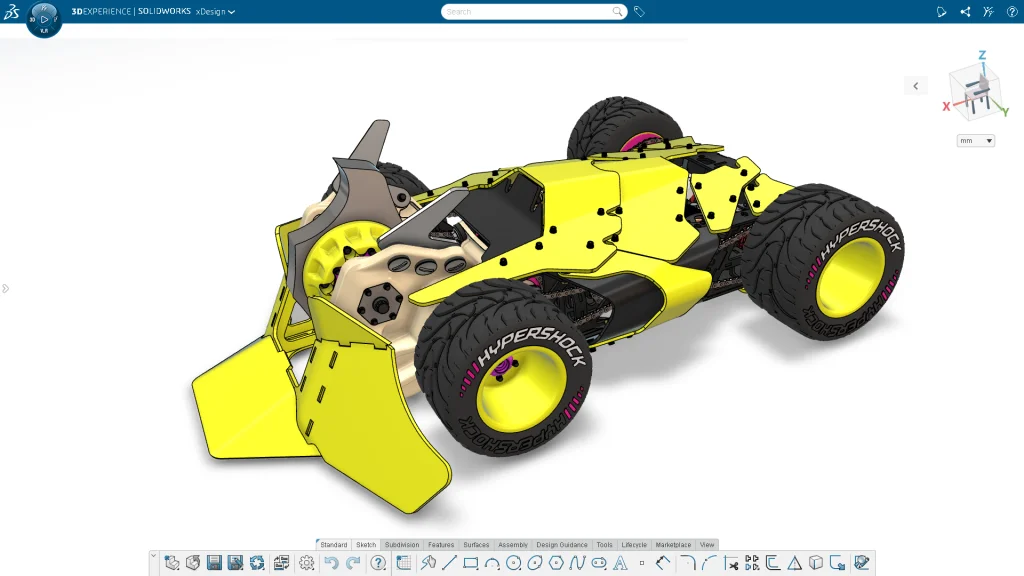

I couldn’t ask for a better way to kick off the New Year. I just got back from 3DEXPERIENCE World 2026, and now I’m excited to announce the latest functional delivery update for SOLIDWORKS xDesign, our fully browser-based set of tools for parametric design, subdivision modeling, model-based definitions and drawings, and more!
Some of my favorite enhancements in the R2026x FD01 update include:
- The ability to convert imported geometry into editable 3D models
- Improvements for design reviews in extended reality (XR)
- Improved home screen for faster access to content
In addition, there are many more user experience, part, assembly, and drawing enhancements. Discover what’s new below!
USER EXPERIENCE
Additional User Experience Enhancements
- Materials are now deployed automatically in the background the first time an admin starts a session, ensuring the full materials library is ready to use without any manual setup.
- Improved Action Bar layout and usability. The Subdivision tab has been moved to a more intuitive position, command labels are now enabled by default for makers, and several tooltips have been refined to provide clearer guidance.
- Mouse control preferences are now automatically set to SOLIDWORKS for Students, Makers, and Education users to provide a familiar and consistent model navigation experience.
- Improved performance and reliability of automatic restore points. Automatic restore points now save in the background every few minutes without blocking you from interacting with the session. You will also receive a notification when restore points are saved and if a save fails.
- Improved system stability and crash handling. When a minor server error occurs, the active command is canceled and you are returned to the default command. When a major server error occurs, you receive a warning and an automatic restore point is saved before the session disconnects.
- Added a new notification to explain long load times caused by VM scaling. When increased demand delays session startup, you will now see a message stating that new resources are being allocated and your session is in the queue.
PART & ASSEMBLY DESIGN
Convert Imported Geometry into Editable 3D Models (Beta)
You now have the capability to convert imported BREP geometry into fully editable 3D models so you can make design changes directly in xDesign. With a new command you can easily convert BREP geometry into fully editable, feature-based models. Once converted this enables you to modify any of the geometry by editing the corresponding features and even rolling back to a specific point to make modifications. This new feature gives you the flexibility to iterate and refine designs without starting from scratch, saving time and making it easier to work with imported data. Stay tuned, we’re going continue making more improvements in this area as well.
Improved Home Screen
Quickly access your projects and manage your content with a more intuitive home screen. Now, when you access your content from the home page, you’ll have more options to manage it. For example, you can access your “Recently Opened” files and “My Content” and use the three-dot menu for actions, such as open item in a new tab, create drawing from part, view information, or delete content. When you view all your content, you’ll get a dedicated page with an option to filter for just physical products, drawings, or top-level Assemblies. You can also jump back to the home screen anytime using a new shortcut in the action bar. These improvements help you find your work faster, organize it with ease, and stay focused on designing.
Section View in XR
Dig deeper into your model with the ability to section models in your XR session. Simply use your controller to orient and place the section to show the internal construction of the model. This immersive experience helps you have more control over the section plane and explore the sectioned model.
This functionality is available now! See my last blog on the top 10 enhancements from 2025 and make sure you are up to date on the latest enhancements by visiting the What’s New Wiki Page.
Learn more about xDesign here.