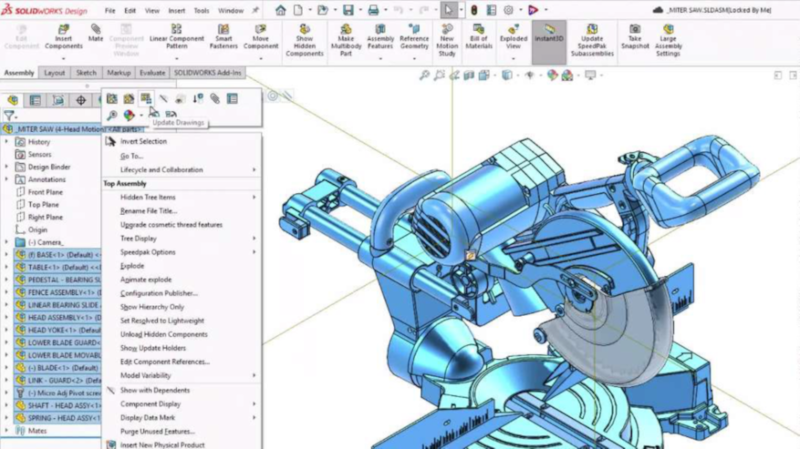

At SOLIDWORKS, we understand you want to spend more time designing; therefore, with each SOLIDWORKS update, we aim to improve performance, design automation, collaboration, and data management. The SOLIDWORKS Design 2026x FD03 update delivers on that goal with the following enhancements:
- The Fastener Pattern Assistant that identifies patterns so you can automatically apply fasteners.
- The ability to keep working in SOLIDWORKS while drawings update in the background.
- The ability to edit parts in Large Design Review (LDR) mode without resolving the assembly.
- Manage configuration data with improved Family Table controls.
- Enhancements to LEO, your engineering virtual AI assistant.
Let’s explore those in depth and see what else is new in SOLIDWORKS Design 2026x FD03, starting with my favorite enhancements for parts, assemblies, and drawings.
Fastener Pattern Assistant – create fastener patterns faster.
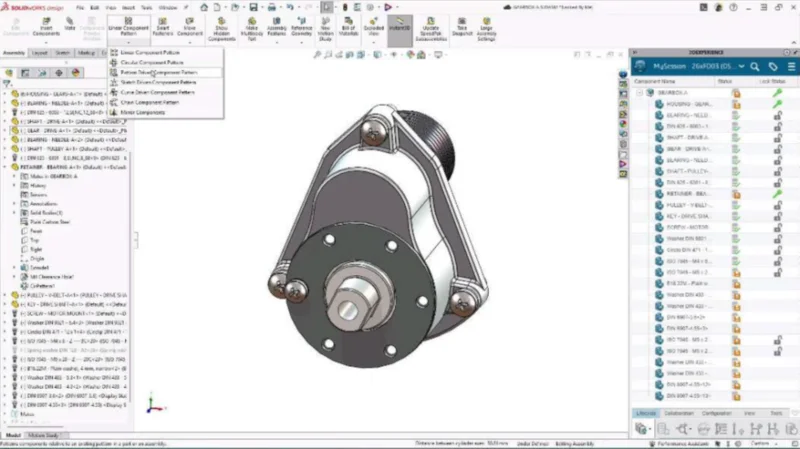
Reduce the time spent manually identifying and selecting every related fastener with the Fastener Pattern Assistant.
The Fastener Pattern Assistant will pop up when it detects clustered components that belong together, enabling you to add them to the pattern automatically.
Background Drawing Updates – continue designing while drawings update.
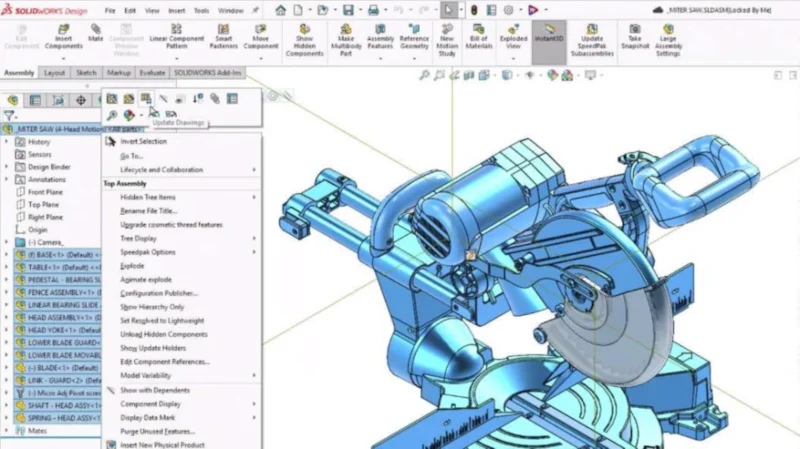
When you update drawings of modified parts and assemblies, the update will happen behind the scenes in the background, so you can continue working while the drawing regenerates. This is especially helpful with complex assemblies, reducing the time spent waiting for the drawing to update.
Edit Parts in Large Design Review (LDR) – edit parts more quickly in the context of the assembly.
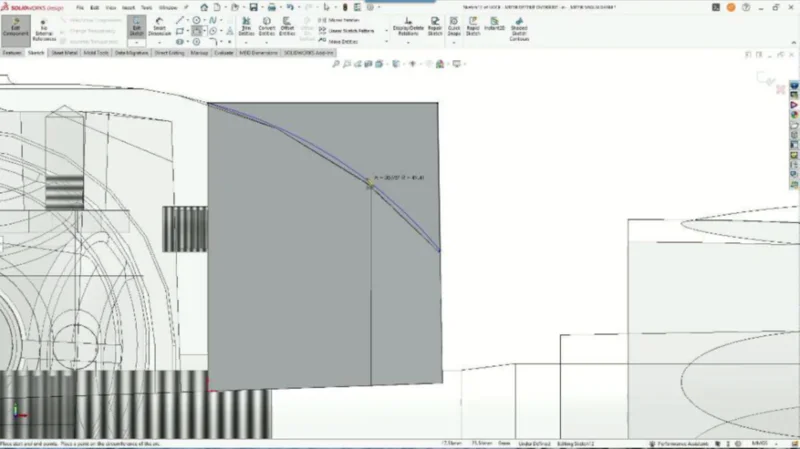
As you know, Large Design Review (LDR) is the fastest way to open, review, and work on extremely large assemblies. Now you can edit parts in Large Design Review mode without resolving the assembly. The full assembly stays visible while you work, so you can make part edits in context.
Family Table Improvements – keep configuration data organized.
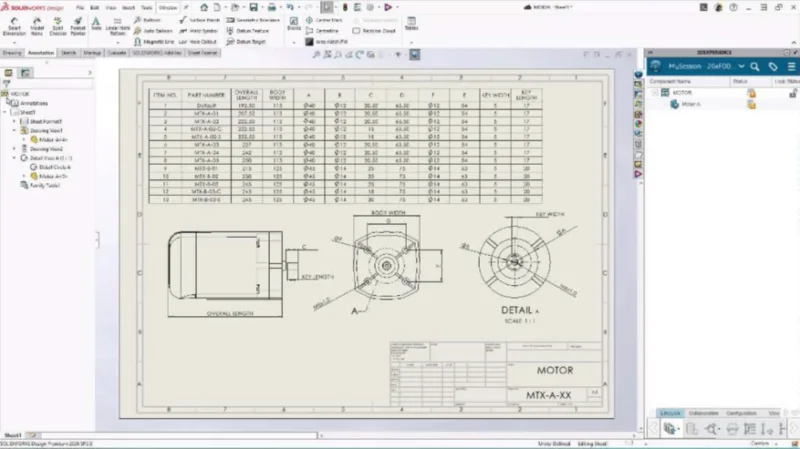
A new System Option lets you automatically match dimension names to Family Table columns. In addition, you can replace models with their associated Family Tables in drawings, reducing manual updates and keeping configuration data consistent.
Assembly Visualization, Appearance and Lightweight Performance – speed up assembly inspection.
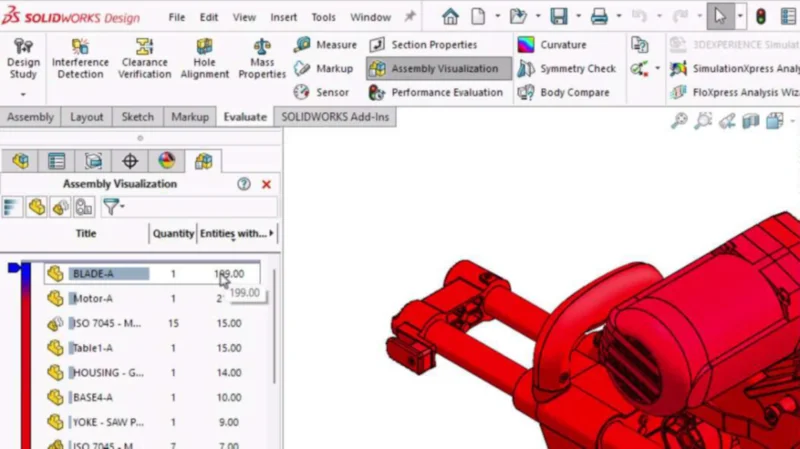
Audit and manage assembly appearance data directly in Assembly Visualization, reducing the need to inspect components individually. In addition, improved lightweight performance reduces load times for models with many appearances.
Enhance the design process with AI Enhancements
In the last year, we’ve introduced the SOLIDWORKS Virtual Companions, such as LEO, that you can ask to generate drawings with views and sheets, provide an analysis showing the impact of a design change, provide detailed insights into your assembly performance and offer recommendations for improvement, and more!
SOLIDWORKS Design R2026x FD03 adds additional AI capabilities, including the ability to:
- Seek assistance from LEO to create, place, and modify drawing views, reducing the manual setup and adjustment for drawing creation.
- Improve assembly performance with AI that automatically suppresses 3D modeled threads on fasteners.
- Generate step-by-step assembly instructions with visual snapshots, powered by AI, for manufacturing, service, and training use.
To learn more about what’s new in SOLIDWORKS Design R2026x FD03 visit the What’s New Wiki page here.
See my last blog on FD02 here.