

SIMULIA Simulation for SOLIDWORKS Academic Researchers, SOLIDWORKS Educators and their students is a suite of industry leading solvers such as Abaqus for structures, Tosca for topology optimization. flow and thermal analysis, & CST Studio for electro-magnetics. From your SOLIDWORKS model, you can work in a Desktop UI or Cloud UI environment.
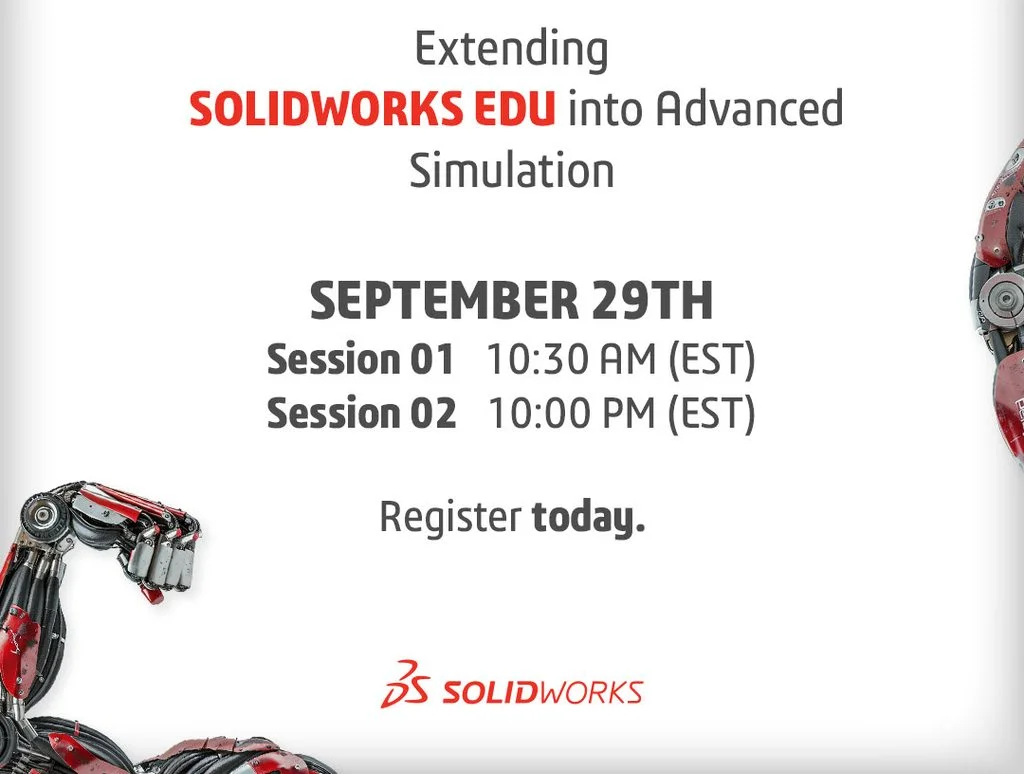
To explain the new offer and advanced technology, the SOLIDWORKS EDU team is hosting a webinar, Beyond the Basics: Extending SOLIDWORKS Into Advanced Simulation. Register here.
Tuesday, September 29, 2026
Session 1: 10:30 AM EST
Session 2: 10:00 PM EST
Register here.
Hear from two Simulation experts, Reza TABATABAI and Srikrishna CHITTUR, as they share their experiences with Modeling and Simulation (MODSIM) approach.
A unified MODSIM approach brings design and simulation together on a common data model, with SOLIDWORKS as the CAD tool and SIMULIA Abaqus technology for structures, fluids, and electromagnetic analysis. Researchers, Educators and their students design, simulate and validate in one connected environment, with no need to export data between multiple tools.
For MODSIM, the SOLIDWORKS brand offers these simulation cloud roles:
- SOLIDWORKS Simulation Designer
- SOLIDWORKS Simulation Engineer
- SOLIDWORKS Simulation Analyst
- SOLIDWORKS Simulation CFD Engineer
- Electromagnetics Engineer
Bonus
Cloud UI + Desktop UI applications. Includes MODSIM cloud apps plus Abaqus/CAE, CST Studio Suite and other Desktop UI SIMULIA Simulation apps, learning content, certification and access to our communities.
Commercial-level research capability: Run advanced structural, fluid and electromagnetic analyses with user subroutines, unlimited solver parallelization and no model size restrictions Find out more
We will be available to answer your questions live. The SIMULIA Simulation for the SOLIDWORKS Educator video and the SIMULIA Simulation for the SOLIDWORKS Researcher video provide an overview.
For the upcoming webinar on Tuesday September 29. Register here.
Design well. Marie