
This blog is all about a recent client who has been in the HVAC (Heating, Ventilation, and Air Conditioning) industry, questioned if there was any possibility to take blank development for a 90 degree Elbow, Reducer, Wye connector etc. The answer is, yes. SOLIDWORKS will make this easier and provide the best results. For the next few minutes, I am going to guide you to receive the exact results. Here we go.
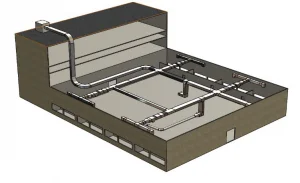
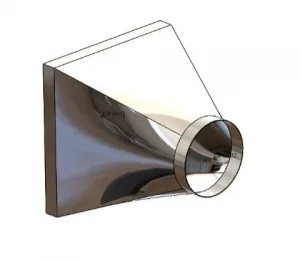
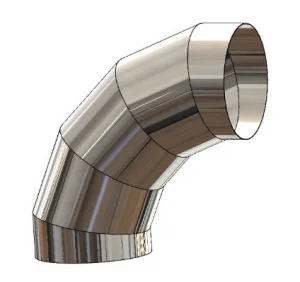
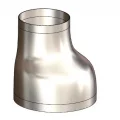
At first, I created a defined sketch [Path] for the required model dimension’s on one plane and I defined a profile, on another plane.
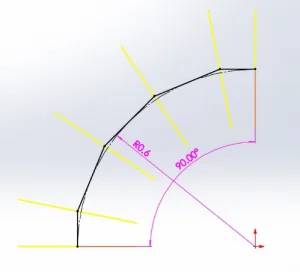
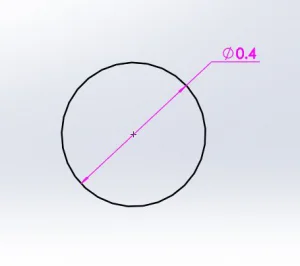
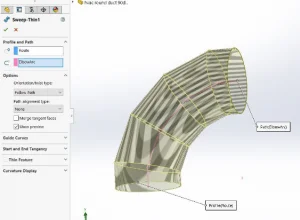
Go to Sweep-> Check the “Thin Feature” and set the thickness value [say 1.2mm]. Then choose Circle as Profile and its respective Path. Instantly you will see the Elbow profile. Click OK.
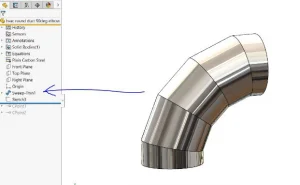
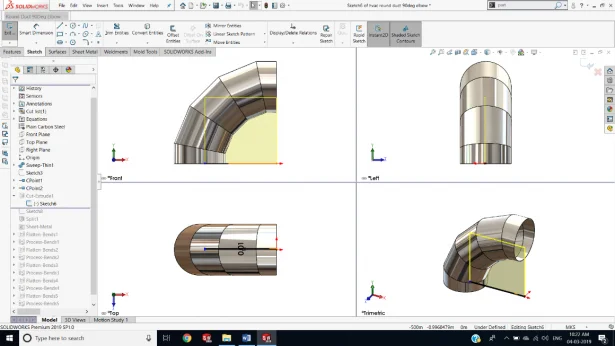
Then choose the Side Plane to make an open cut [refer image below]. This open cut is the root for blank development.
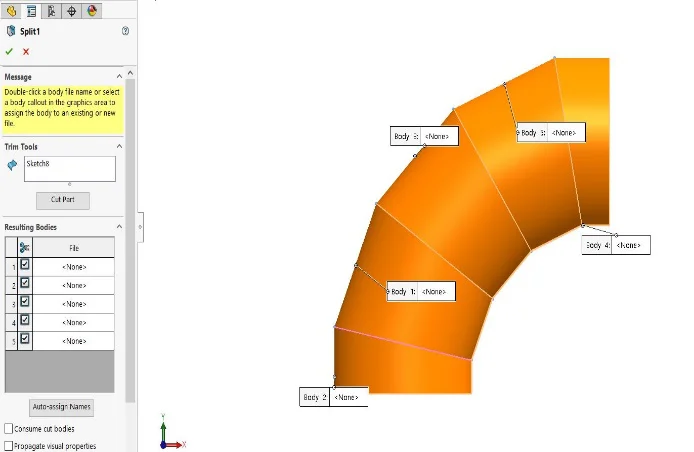
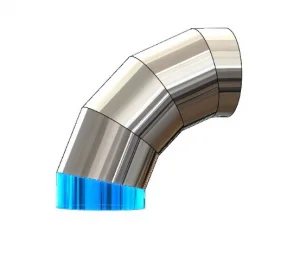
Now the next step is to create a Split Sketch for Splitting the Bodies to develop blank for each profile. After a Sketch, go to Split-> Choose the Sketch-> Choose the Bodies to Split-> Check out “Consume Bodies”-> Click OK.
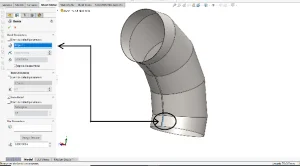
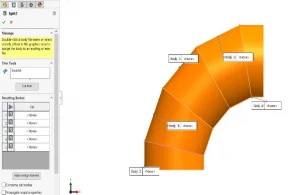
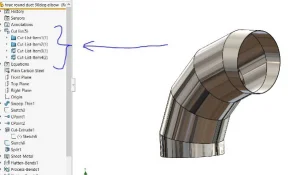
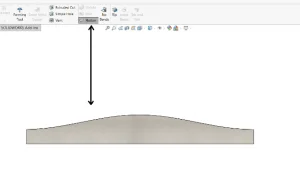
Now we will see the splitter bodies [Cut List] in the Feature Manager Tree. Then go to Sheetmetal-> Insert Bend-> Choose an edge on any of the body-> Click OK. Go to Flatten-> Choose the Body which we created Insert Bend-> Click OK and you will see the instant Blank development of the same.
I would like to conclude that this blank development process will be a treasure for the Sheet Metal fabricators especially the HVAC industry. I would like to encourage you all to follow the same procedure for the other bodies and other design related to the above. Catch you on the next post – on SOLIDWORKS features. Thank you.
Note: I did this for a single body. The same procedure can be done for different body in a single design environment by using SOLIDWORKS Configuration. Try it out. Share your results in the comments below!