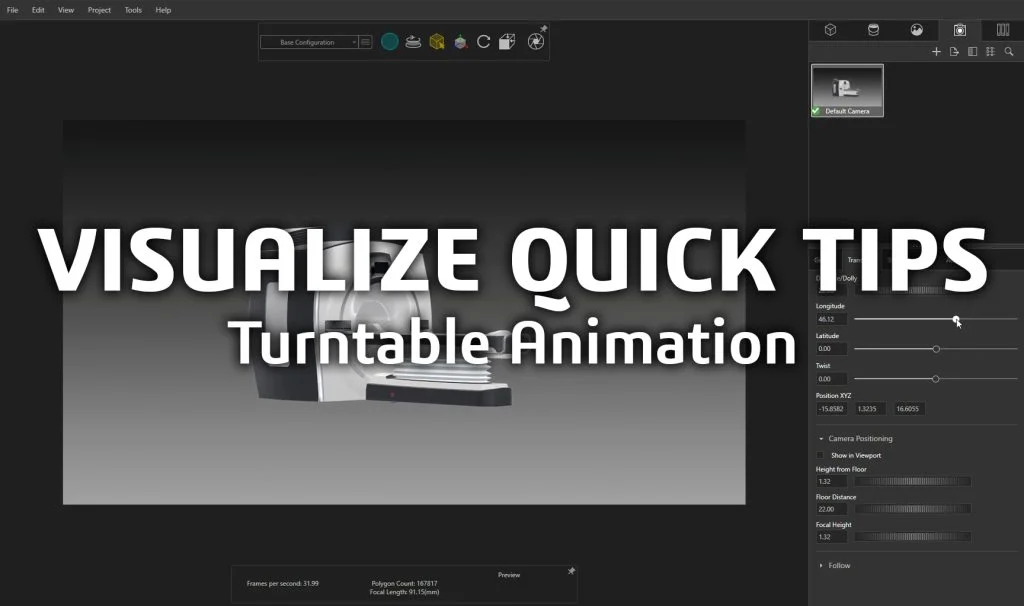

Turntable animations are a super simple way for you to show all angles of your product, with the click of a button – no keyframing necessary! SOLIDWORKS Visualize Professional makes it incredibly easy to create a turntable animation of your product. In this week’s Visualize Quick Tip, we’ll cover how easy it is to create a turntable render in Visualize and how to adjust the settings. This video was recorded before we introduced the new AI Denoiser in 2019, so don’t forget to enable the new Denoiser for instant 10x faster rendering!
Check out this YouTube playlist more helpful Visualize videos!
USE THE VISUALIZE FORUM to connect with the global Visualize Community for self-help support with common questions. Don’t forget to share your Visualize images and animations on this Forum thread!