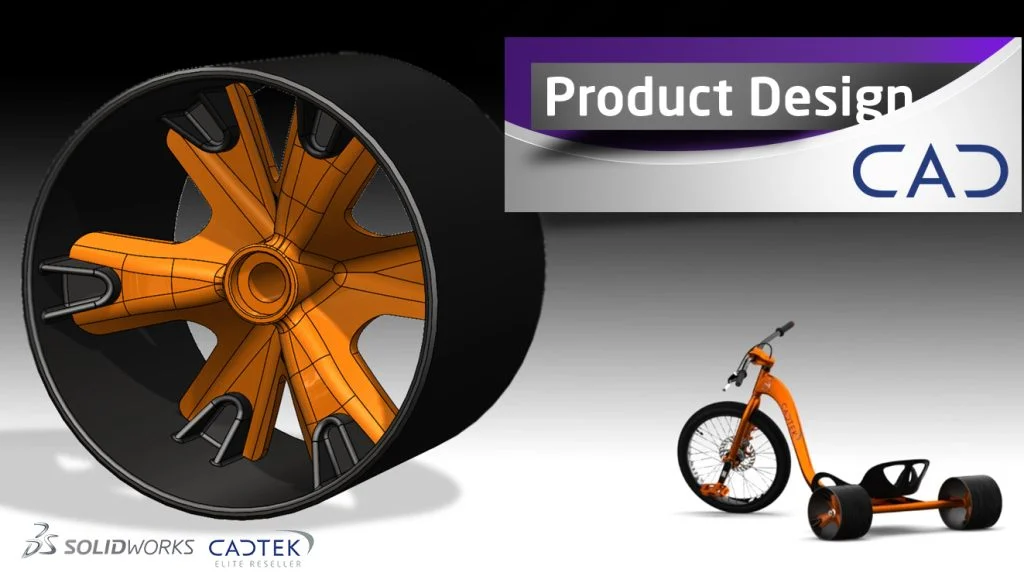
Modelling The Rear Wheels
This final instalment of our series on how to design and build your own Drift Trike we model the Rear Wheels. Previous tutorials have dealt with the Frame, Forks and Saddle. Here we model the last part needed to complete the Drift Trike assembly. Stuart will be modelling a 6th of the wheel spokes and then patterning this to give the whole design. This way ensures that all the model is symmetrical and consistent. Using this technique is also a great if your designs ever change.
Previous Parts:
Part 1: Frame Design Part 2: Fork Design Part 3: Saddle Design
The CAD modelling topics covered here will be;
- Circular patterning
- Reference surfaces
- Combine
- Working with Multi-bodies
See Cadtek’s original article here. For more hints, tips and content head over to our Blog, Twitter page or our YouTube channel.
Cadtek Designer Profile – Stuart Wortley

Stuart has been with Cadtek Systems for 18 years and is key part of our application team. His passion for the outdoors, his VW Camper-van and SolidWorks is clear. It has seen him produce some great, easy to follow SOLIDWORKS tutorials around Paddle Boarding, Cabinet Design and now Drift Trikes! This year saw Stuart achieve the accolade of Elite Application Engineer at SOLIDWORKS World 2017 in LA, the highest level achievable.
