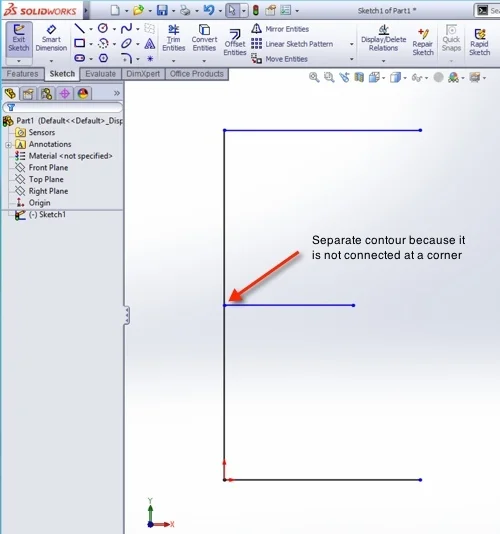

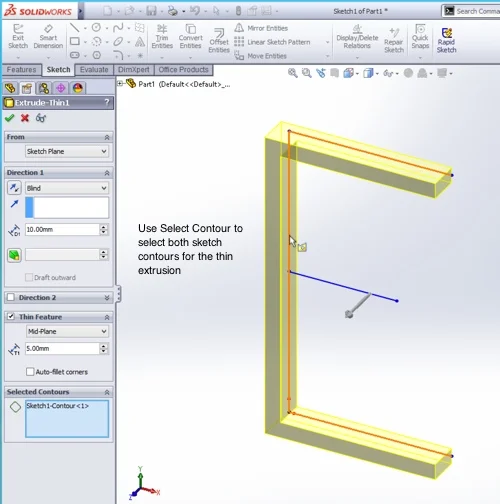
SolidWorks 2013 has a great new set of behaviors with thin feature extrusions. In the past, if you wanted to work with open contours, only one open contour was allowed. In SolidWorks 2013, multiple open contours can be extruded as a thin feature.
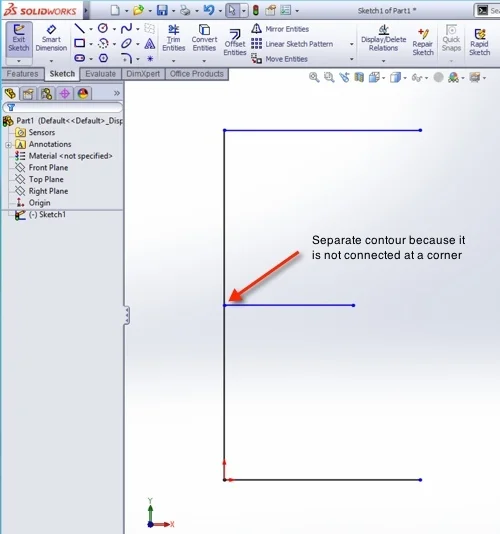
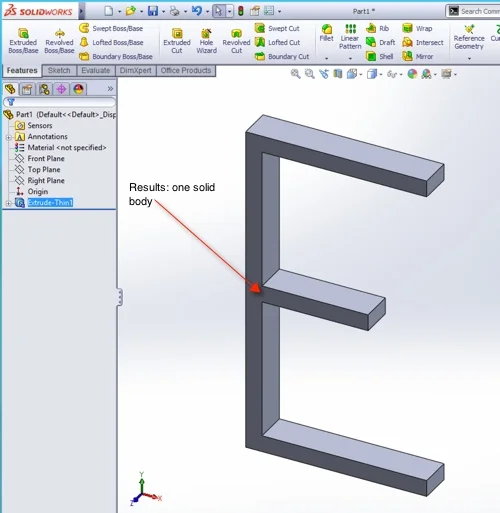
One behavior to note: contours that don’t meet at a corner are “separate” in that they create separate bodies when the sketch is extruded as a single item.
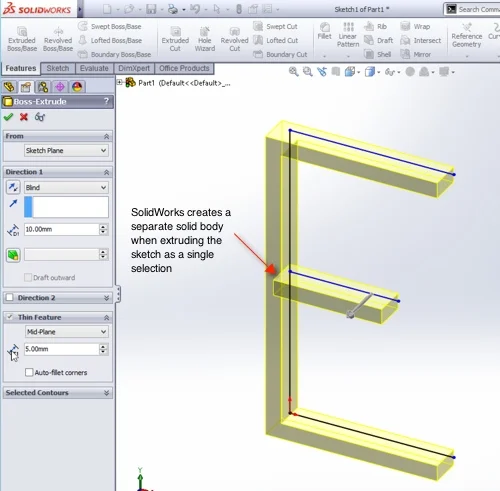
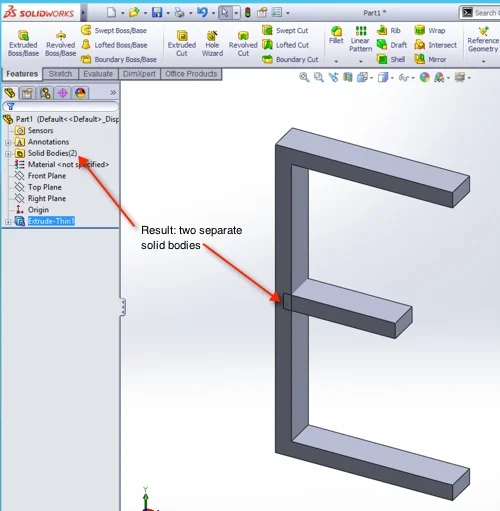
If you want SolidWorks to make one body, the trick is to use Contour Selection; this allows you to pick the separate contours in the sketch and result in one body, much like we do with multiple closed contours already.
***
John Setzer is the Training Coordinator at Graphics Systems, a SolidWorks Value Added Reseller with locations across Wisconsin and Illinois. He is a regular contributor to the Graphics Systems’ blog: SolidNotes.com, your source for SolidWorks, Simulation, Data Management, & Product Communication Tips & Tricks.
Want to try out SolidWorks? You can request a free SolidWorks trial on our website.
Want to see how SolidWorks can help you win new business and get to market faster? Request a SolidWorks demo today.
Related articles