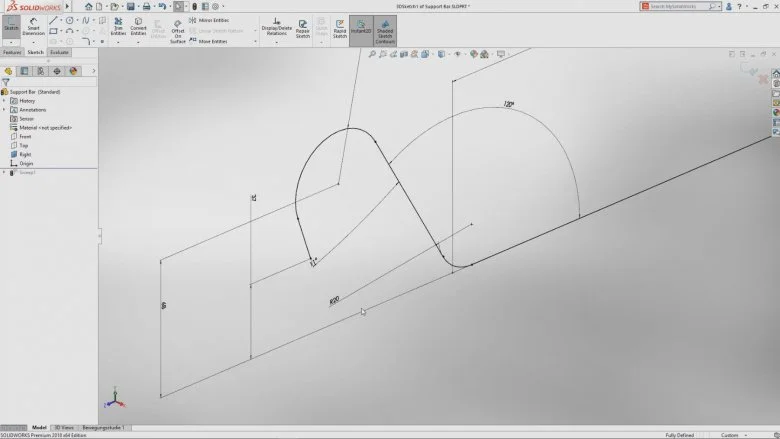

For the longest time when creating a tangential arc in a SOLIDWORKS sketch it was hit or miss if the arc was aligned correctly. We would create our arc and hope it would be in the right direction…If not, we would need to delete it and recreate it being careful with our mouse movements. Now in SOLIDWORKS 2018, we can at last correct the error if our arc has snapped into the wrong direction.
Simply right-click on the arc and select Reverse Endpoint Tangent from the Relations shortcut menu as shown below:
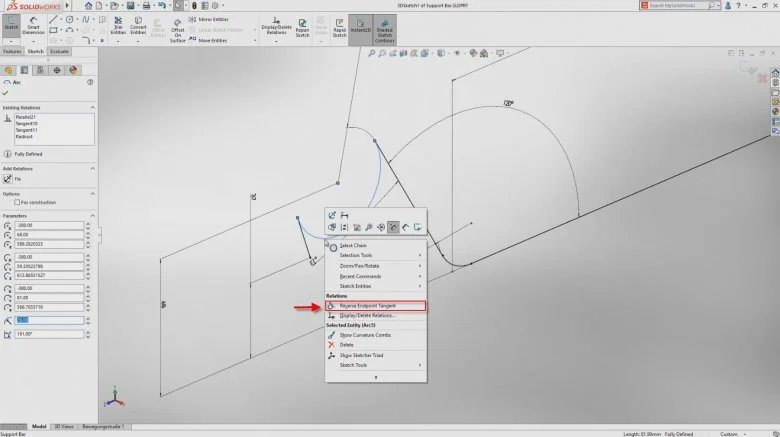
Reverse Endpoint Tangent
This works with splines as well.
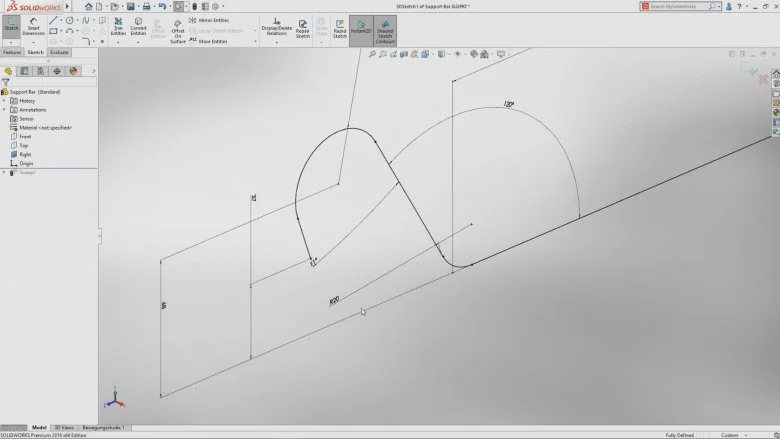
Tangent arc aligned correctly
Author: Vicky Guignard; Javelin Technologies