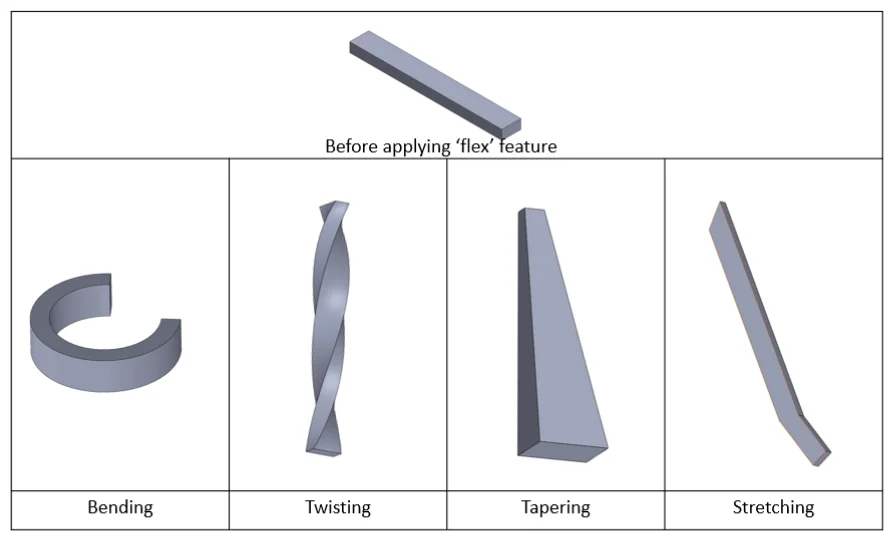
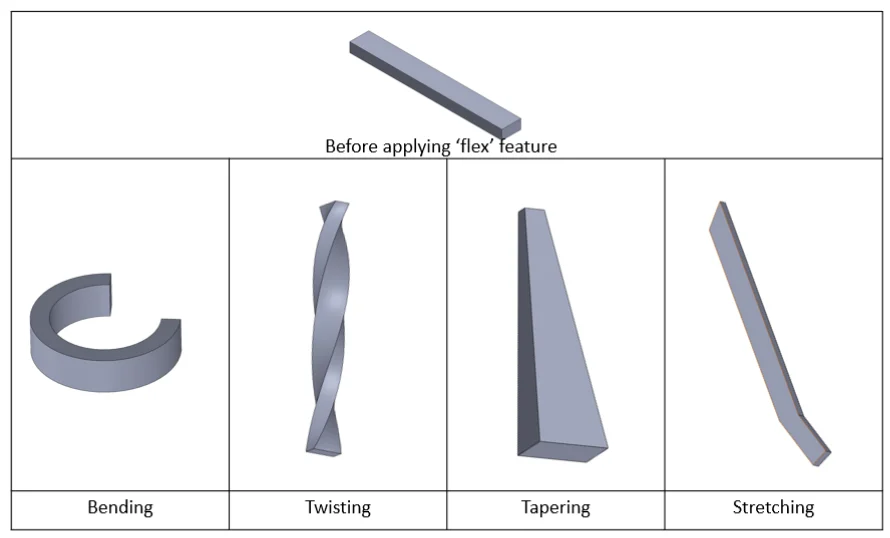
Have you ever encountered a situation that you cannot create your desired model shape? If yes, you must learn to use this feature – flex. This feature is easy to use and can help you to create complicated geometry quickly. There are four flex types- Bending, Twisting, Tapering and Stretching. The following figure shows the difference of different flex type.
The following ring example shows an application of the feature ‘flex’.
Step 1: Sketch your designs on the Top plane and extrude to sketch to desired thickness

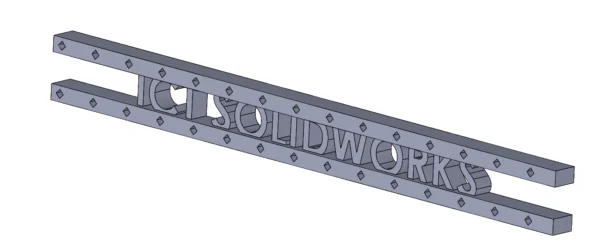
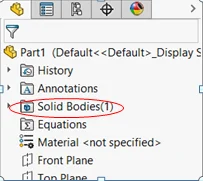
Step 2: Ensure your model is one solid body if you want to bend the whole model. If there are multiple solid bodies, you can use feature ‘Combine’ to combine solid bodies to one solid body.
Step 3: Use feature ‘flex’ to bend the flat model to cylindrical shape. First, select the model in Flex input and select Bending. Then, input 360 degree for bend angle. Finally, change the X, Y, Z rotation angle to 270, 90 and 90 degree respectively ( X, Y, Z rotation angle use for determine the bend direction and location).
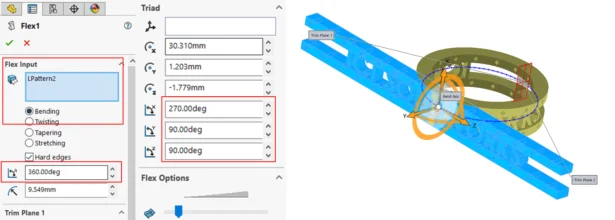
Step 4: The preview is not clear and accurate. After clicking OK, please check the endpoints connection smooth or not. If not, edit triad of flex feature and make the connection smooth.
Then, you can add fillets to smooth the edge.
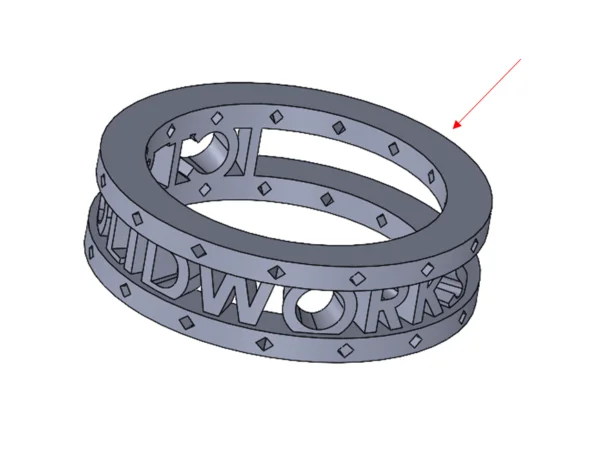
The model finished!
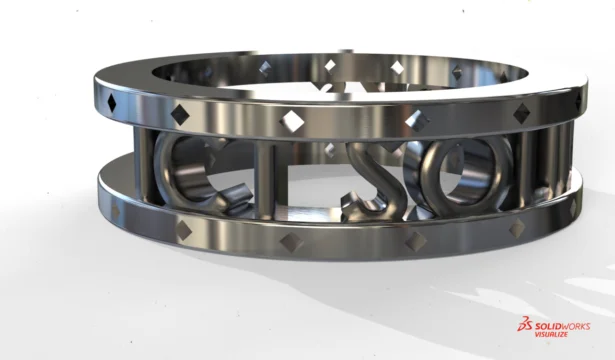
Let’s start to make your design ‘Flex’
Written by Sandy Kwok, Intelligent CAD/CAM Technology Ltd.
