
With the 2019 Electronic Entertainment Expo – otherwise known as E3 – happening this week, it’s a very natural time to look forward to the future of gaming. But it’s also a great time to look back with a sense of nostalgia for the past.
Many SOLIDWORKS users and makers are gamers. This is no secret! Many of us grew up on fictional epics like Star Wars and remember spending countless hours of our time (when we weren’t doing engineering homework) gaming on whatever the platform of our times was.
One of our SOLIDWORKS user advocates who comes to mind today is Kirby Downey. We’ve featured Kirby, a cosplay artist and designer, on our blog before, so you may be familiar with his story.
While E3 runs from June 11 – June 13 this year, June 11 is a particularly big date for the Nintendo brand. If you’re unfamiliar with E3, it’s a conference that features all the major game manufacturers and much more. Nintendo, however, will be revealing new installments of some of its biggest franchises. These include: Luigi’s Mansion 3, Pokémon Sword Shield, and much more.
These games will be big releases for the Nintendo Switch console. And while the Switch is a handheld console, it begs the question: what if it didn’t have to be?
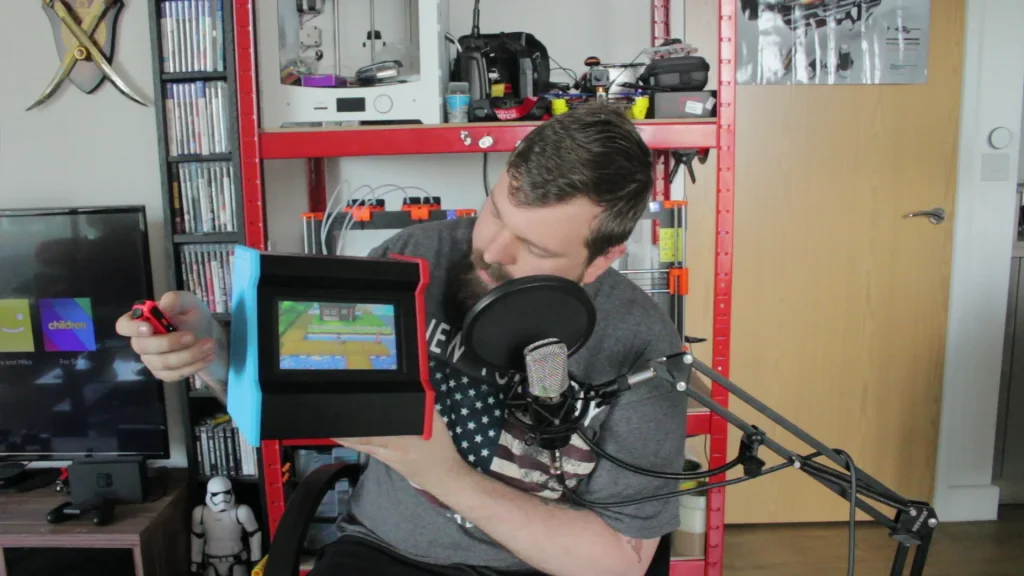
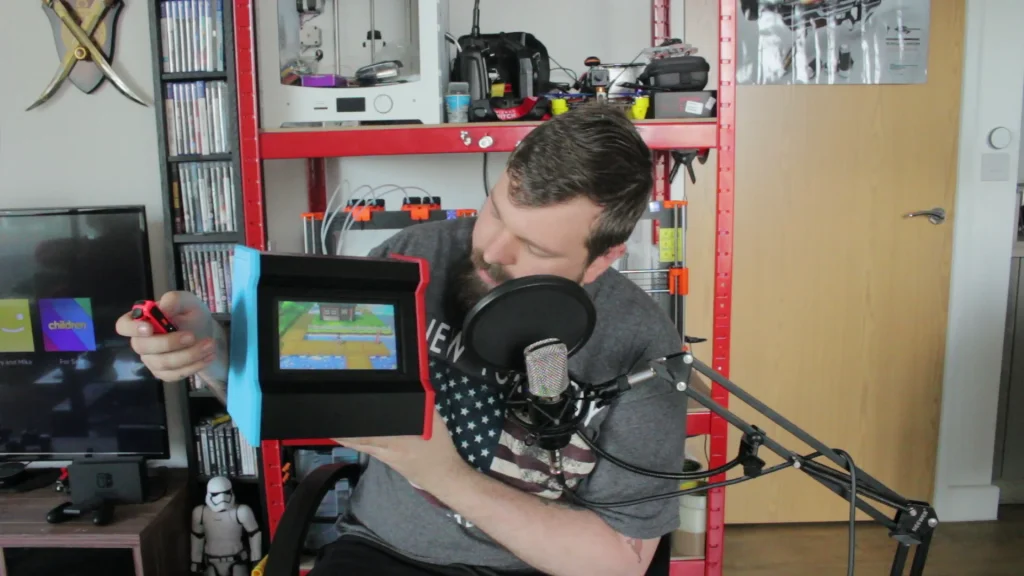
And that’s sort of what Kirby thought as well. So we worked with Kirby to design a Nintendo Switch arcade box inside of SOLIDWORKS! Now that’s nostalgia-inducing.
Check it out on his YouTube channel. He goes through the full build in detail, including the 3D printing of it on his Prusa I3 MK3S.