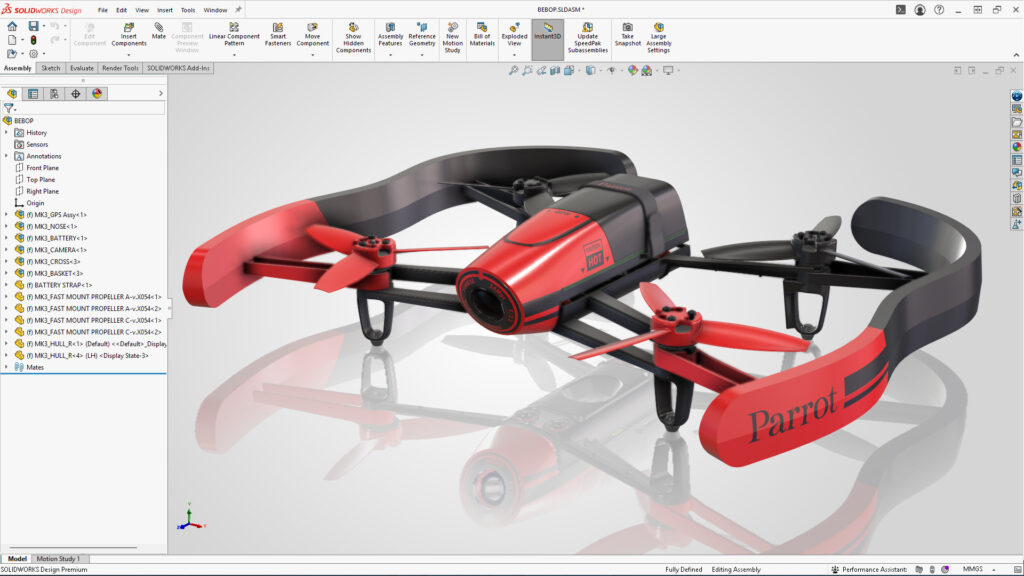

SOLIDWORKS Design Standard for Students is a powerful suite of 3D Computer Aided Design (CAD) tools built to turn your ideas into real designs and prepare you for careers in engineering and product development.
Built for real-world engineering, SOLIDWORKS Design Standard for Students helps you create everything from simple parts to complex assemblies, while learning the same professional CAD tools used by the majority of industry professionals.
Click Here to Sign-up, download, and install FREE SOLIDWORKS Design Standard for Students for your Windows PC desktop.
What’s included in SOLIDWORKS Design Standard for Students?
Sketching, Features, and Parts
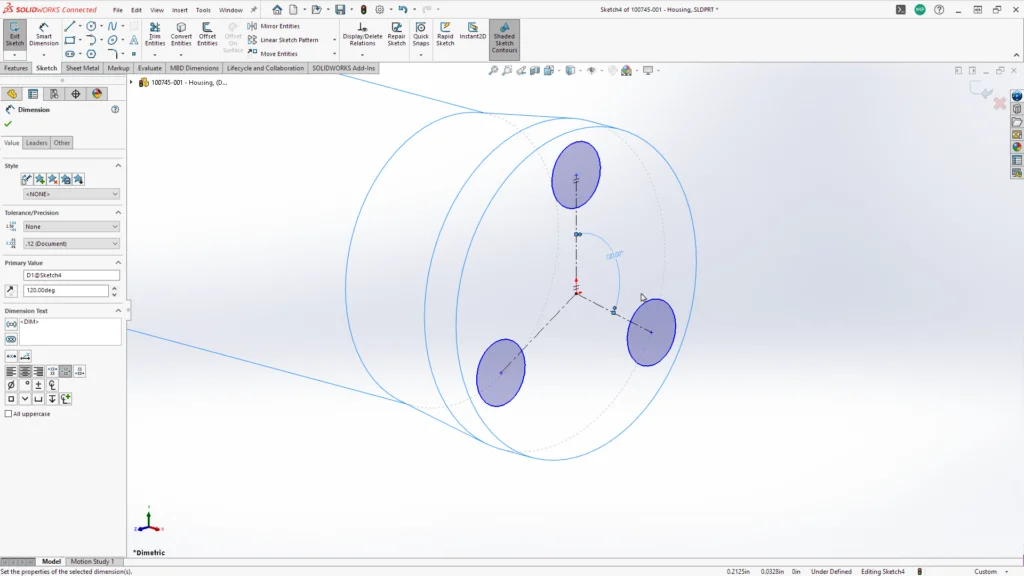
Parts are made up of sketches and features. In SOLIDWORKS Design Standard for Students, 2D sketching is simple and intuitive with instant feedback. From the sketch, generate 3D shapes with Extrude, Revolve, Sweep and Loft features. Modify feature geometry with applied features such as Fillet, Chamfer, and Patterns. As a parametric design tool, SOLIDWORKS Design Standard enables you to modify dimensions precisely both numerically and with on-screen manipulators.
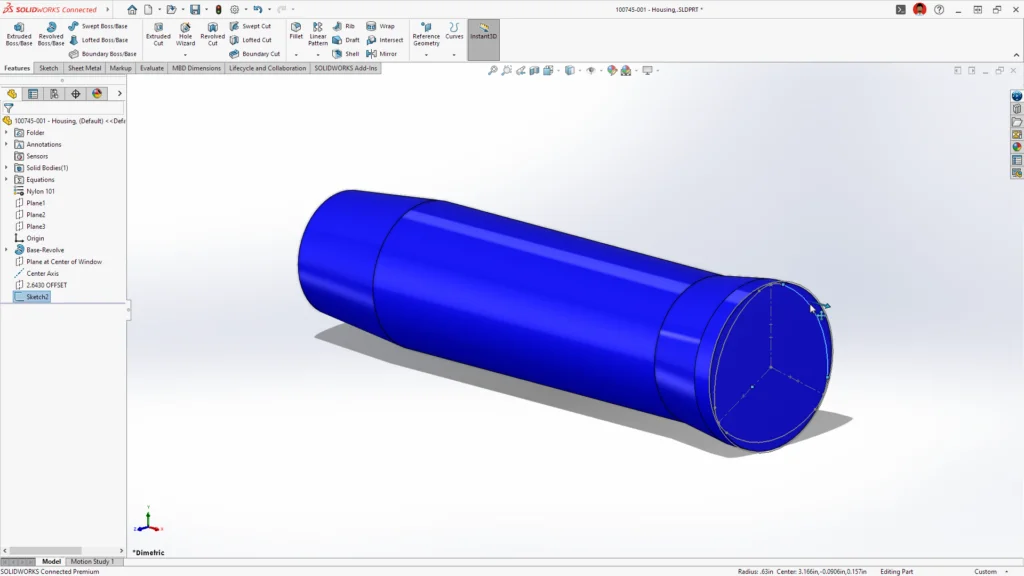
SOLIDWORKS Design Standard for Students contains artificial intelligence (AI) with predictive assistance to eliminate tedious tasks with extensive libraries of commonly used geometries including built-in engineering and tolerancing information.
Assembly Modeling
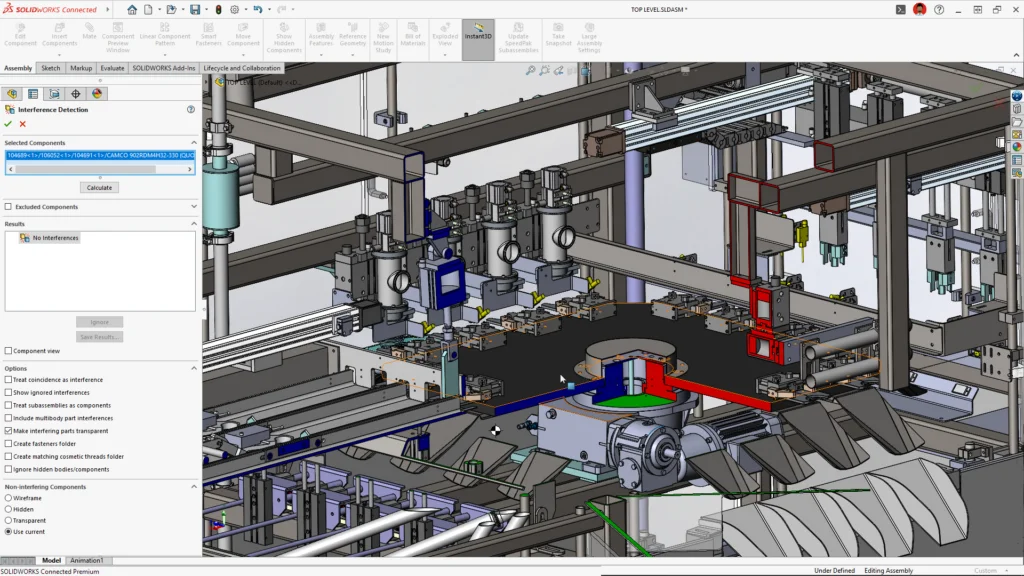
3D design comes alive when virtually assembling your components. Parts and assemblies can be snapped together with a simple drag and drop… visualizing range of motion and mimicking real-life behavior. Designs can be interrogated for fit, interferences, and mass properties.
Drawings
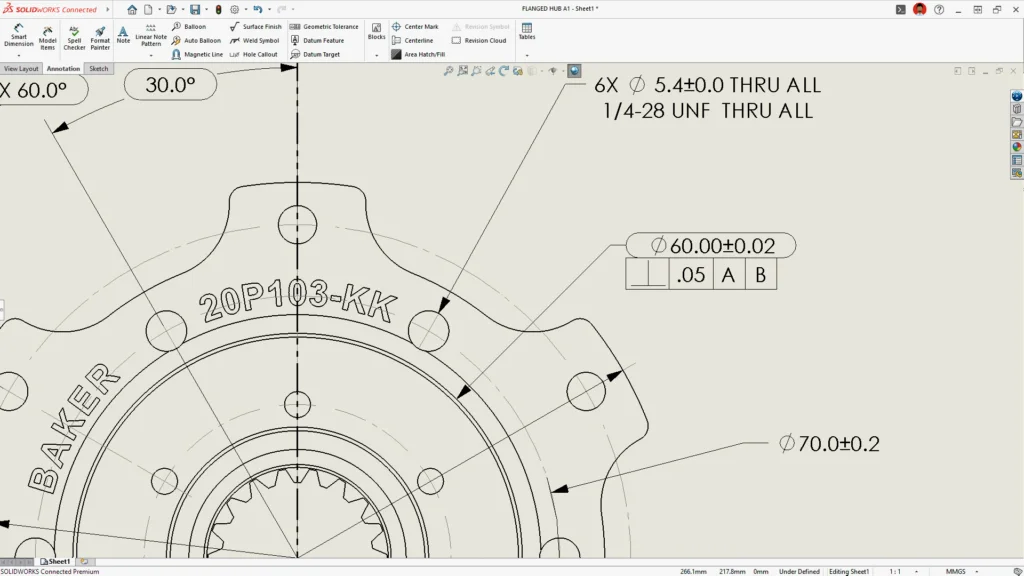
SOLIDWORKS Design for Students makes documenting and detailing quick and easy. Starting with a standard drawing sheet, 2D views are placed from a view palette. Automatic projection views are created, and section views can be generated by snapping to model references. Model dimensions from the part are revealed. Additional dimensions for manufacturing drawings are created with intuitive formatting and tolerance options to an Engineering Drawing Standard (ASME-ANSI, ISO, DIN & more).
Assembly drawings illustrate components in context with prominent exploded views. Automatic bills of materials and item balloons make understanding the design easy and allows students to learn about manufacturing documentation.
Manufacturing CAD Tools
Manufacturing processes require different modeling techniques. Sheet Metal, Frame, Mold Design and Surfacing are included in SOLIDWORKS Design Standard for Students. Learn these modeling methods to create flat patterns, weldments and core/cavity molds for plastics parts.
Start Learning SOLIDWORKS Design Standard for Students
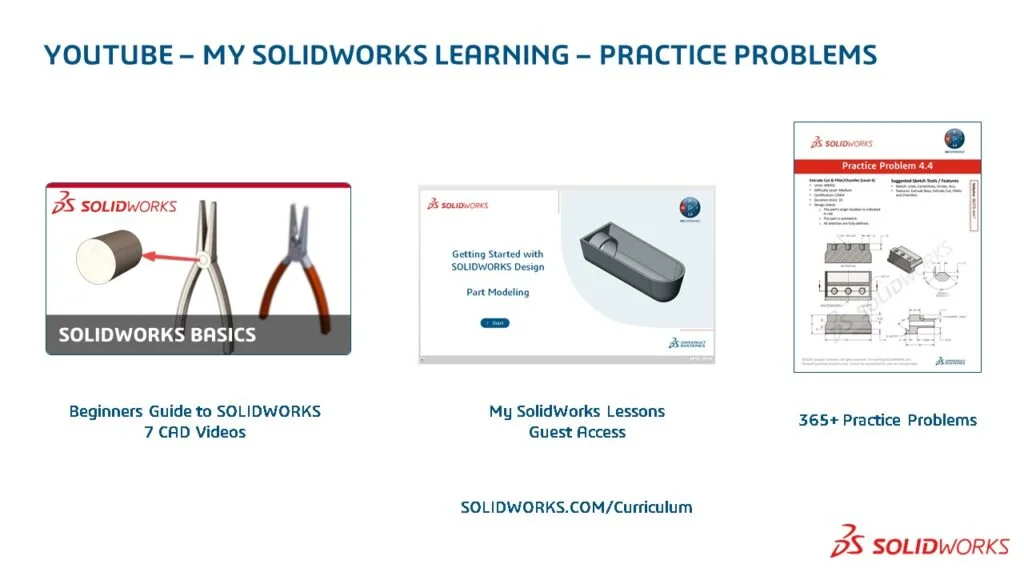
SOLIDWORKS Design Standard for Students comes with SOLIDWORKS Tutorials accessed through the SOLIDWORKS Help menu. Free Practice Problems, Lessons and Learning Content provide students the steps needed to get started and to advance quickly. Students also get guest access to My SolidWorks for video lessons, tutorials and preparation for certification exams.
Certification Exams (Additional Cost)
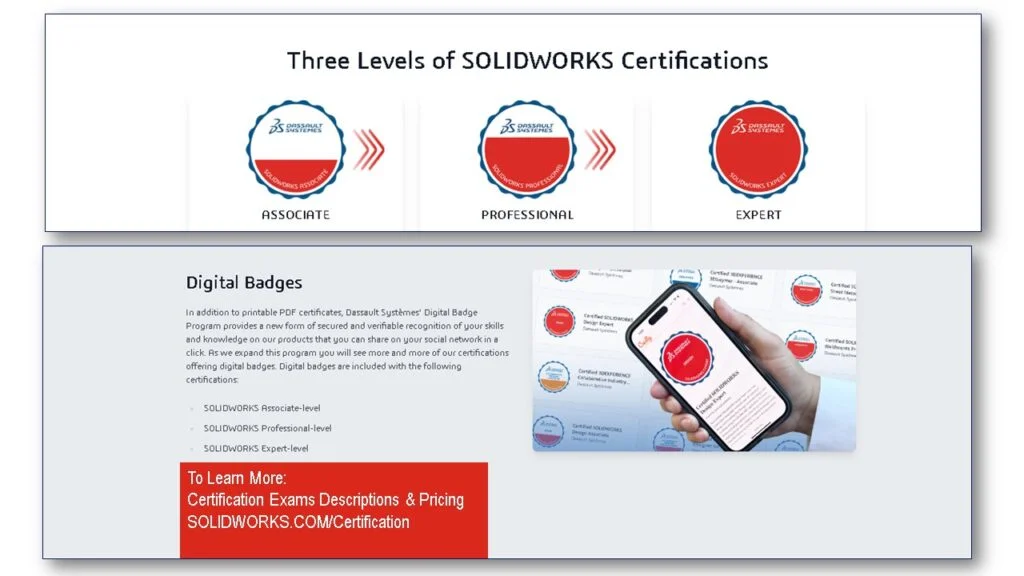
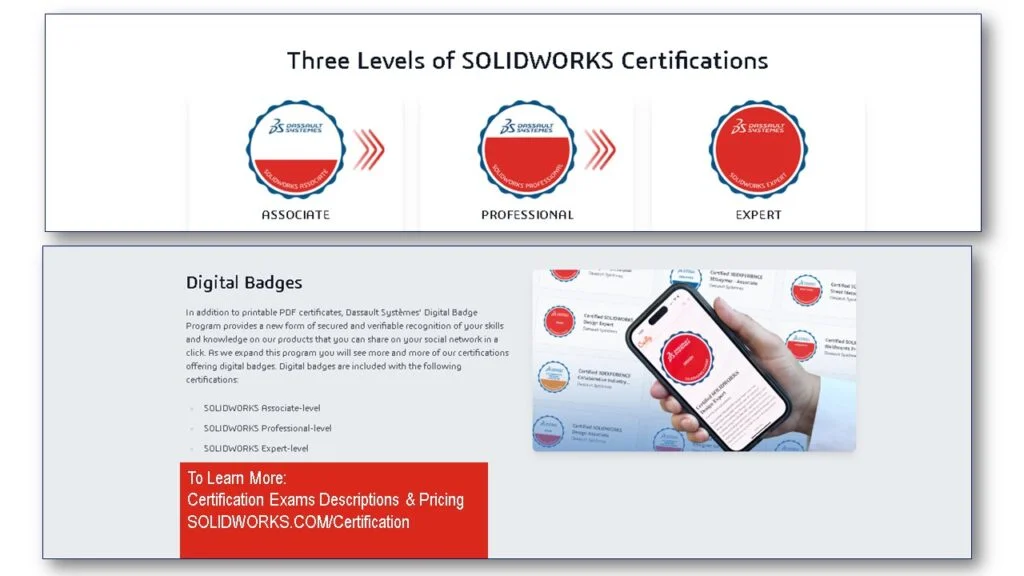
After you master the Certified SOLIDWORKS Associate (CSWA) and Certified SOLIDWORKS Professional (CSWP) lessons, you are ready to join over 1 million SOLIDWORKS certified users around the world. More information on SOLIDWORKS Certification exams and pricing is available here.
SOLIDWORKS Education Edition for Schools: More Applications & More SOLIDWORKS Certification Exams
Your school may have access to free SOLIDWORKS certification exams by utilizing the SOLIDWORKS Education Edition for Schools on subscription that provides free SOLIDWORKS Student Premium home use licensing and free certification. SOLIDWORKS Education Edition & SOLIDWORKS Student Premium include advanced features such as SOLIDWORKS Toolbox (library of smart fasteners), 3D routing (pipes/tubes/cables), advanced surface flattening, as well as our desktop suite of products like SOLIDWORKS Simulation (FEA), SOLIDWORKS Flow Simulation (CFD), CAM, Electrical, Visualize, Composer and more.
SOLIDWORKS Community
The global SOLIDWORKS community is made up of engineers, designers, manufacturers, educators, students, makers – simply anyone who has a passion for design. Students can join our SOLIDWORKS community for free at SWUGN.org. There are hundreds of in-person and virtual meetings throughout the year.
More Offers for Students
SOLIDWORKS supports students with additional software products both for Windows PC desktop, cloud applications and student team competitions. Find out more at SOLIDWORKS for Students: 3D CAD Software for Education | SOLIDWORKS
Get Started Now
Click Here to Sign-up, download, and install FREE SOLIDWORKS Design Standard for Students for your Windows PC (Desktop).
Students! Share your designs. Tag us on Instagram @solidworksedu_and_startups.
Design well. Marie