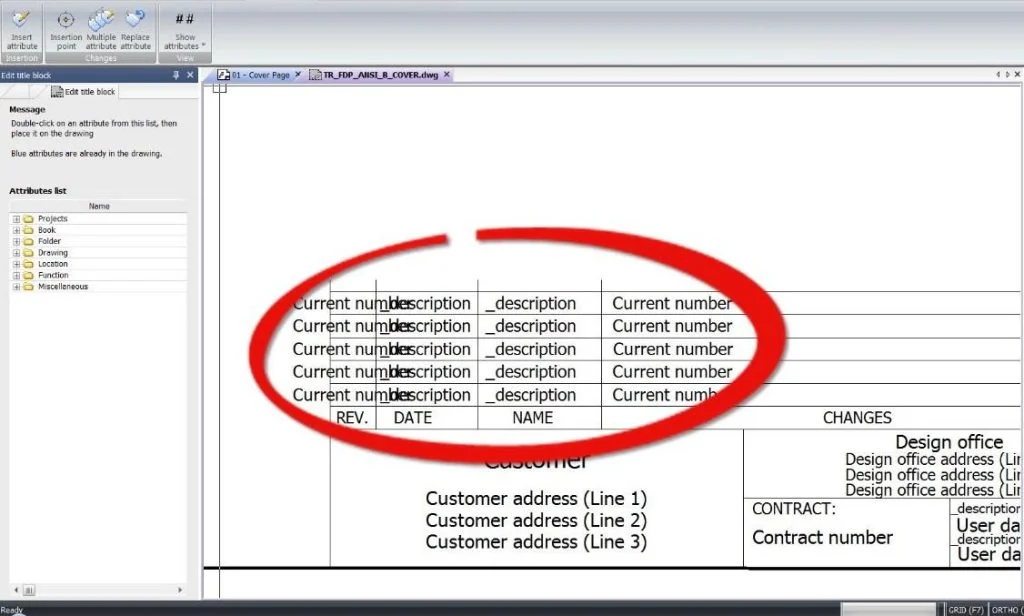

Designers and engineers sometimes are required to make changes to their drawings. If there is any change in the document, it is required to be given a revision number, the verification and validation date, and person. SOLIDWORKS Electrical can automate the process with just a few clicks. Not only that, when the document is revised you can take a snapshot of the design.
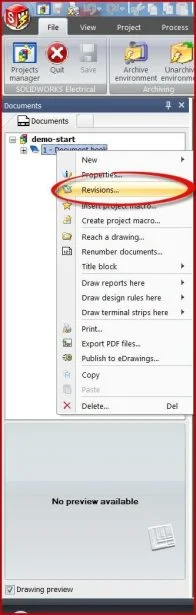
Figure 1 – Revisions option
The revision attributes can be added to the cover page or your templates which are updated with each revision. See figure 2.
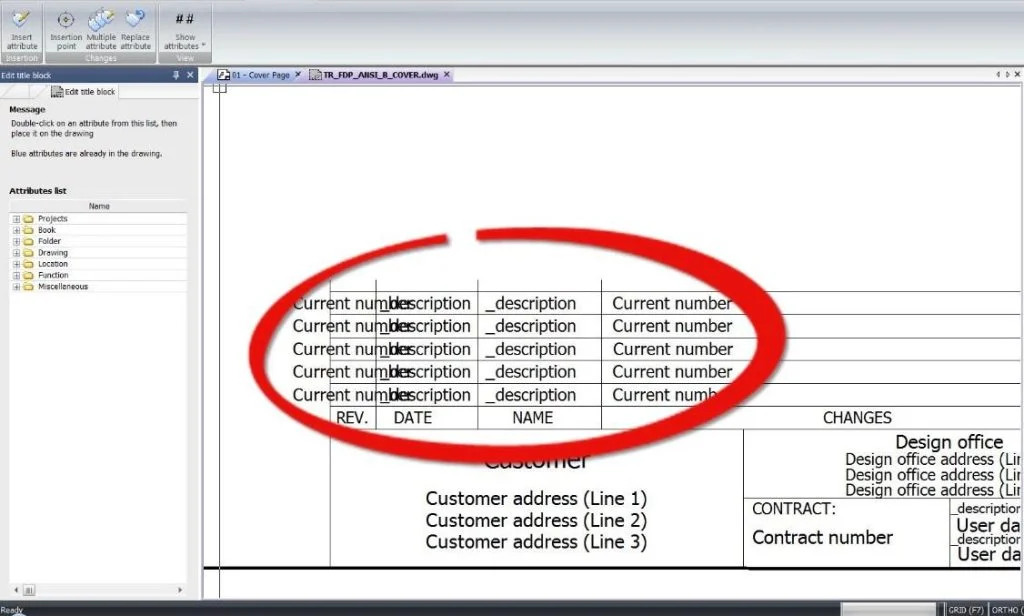
Figure 2 – Attributes for revisions
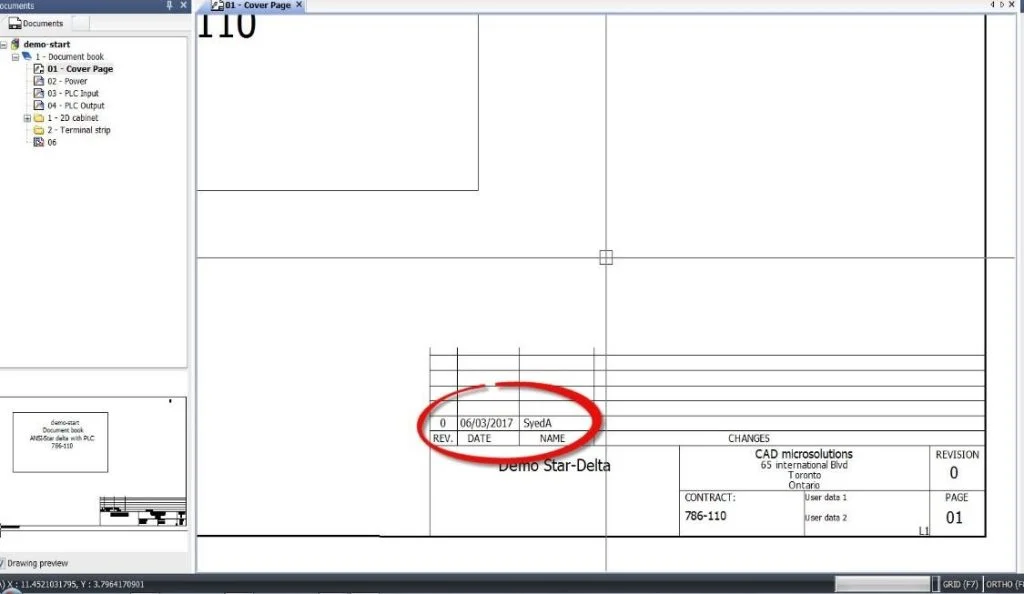
Figure 3 – Revision 0 in cover page
As we enter revision window we can validate and verify the documents the names for validation and verification can also be changed here. See Figure 4 & 5.
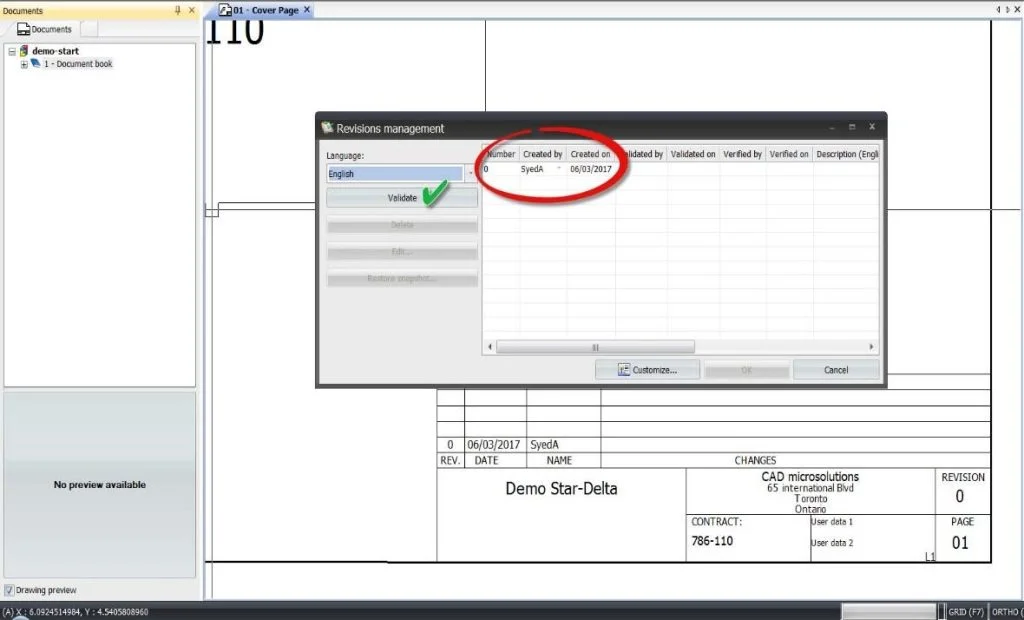
Figure 4 – Validate document
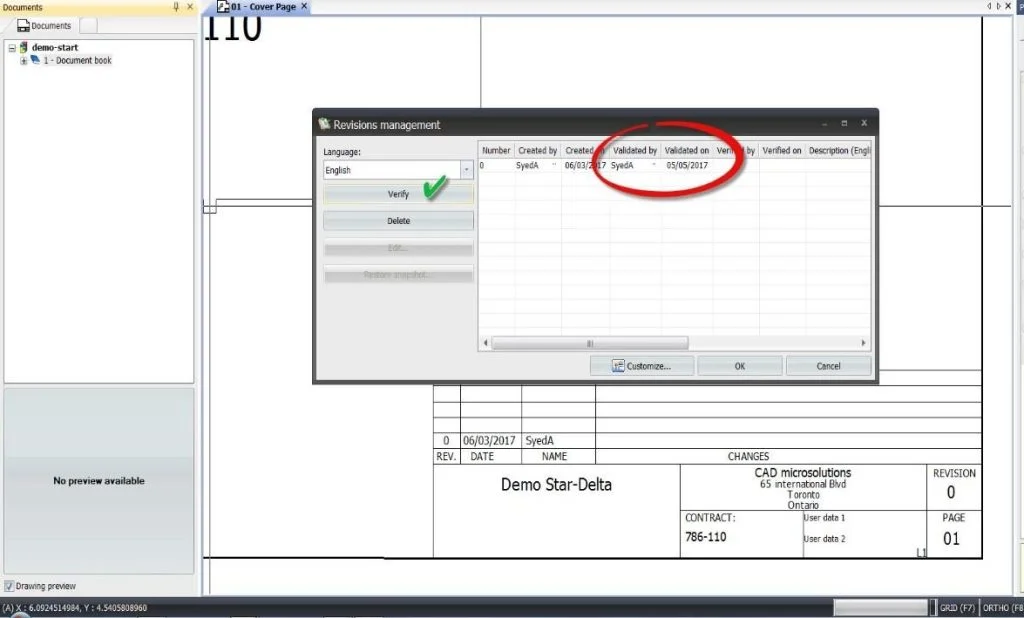
Figure 5 – Verify document
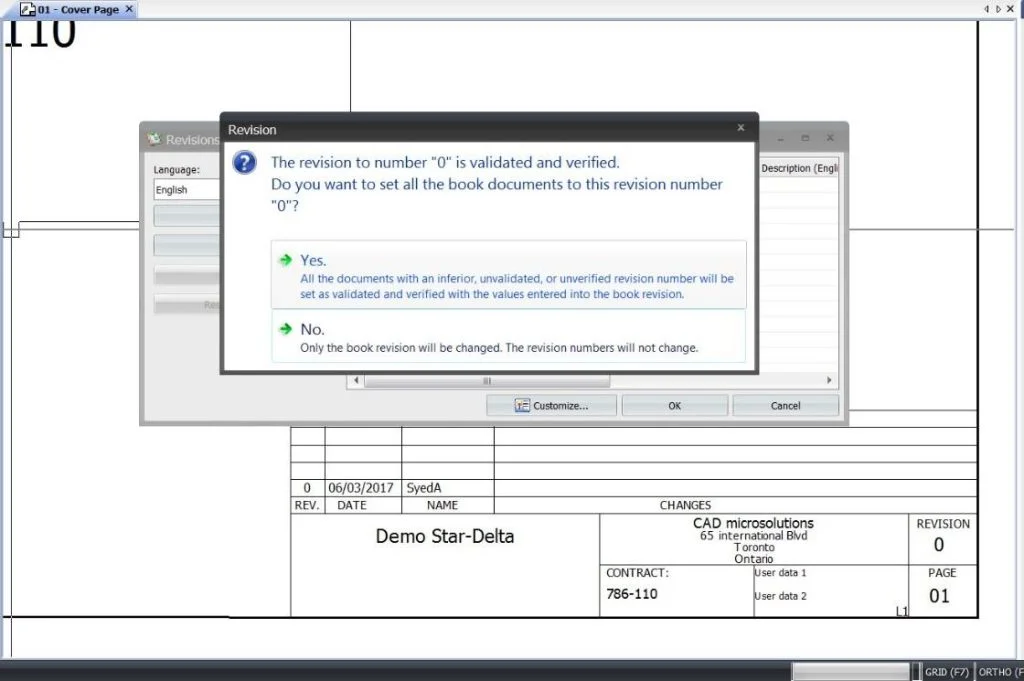
Figure 6 – Revision of book and documents
We can print the drawings from here or we can push it to PDF, if not required we can cancel and just update the revision number. See figure 7.
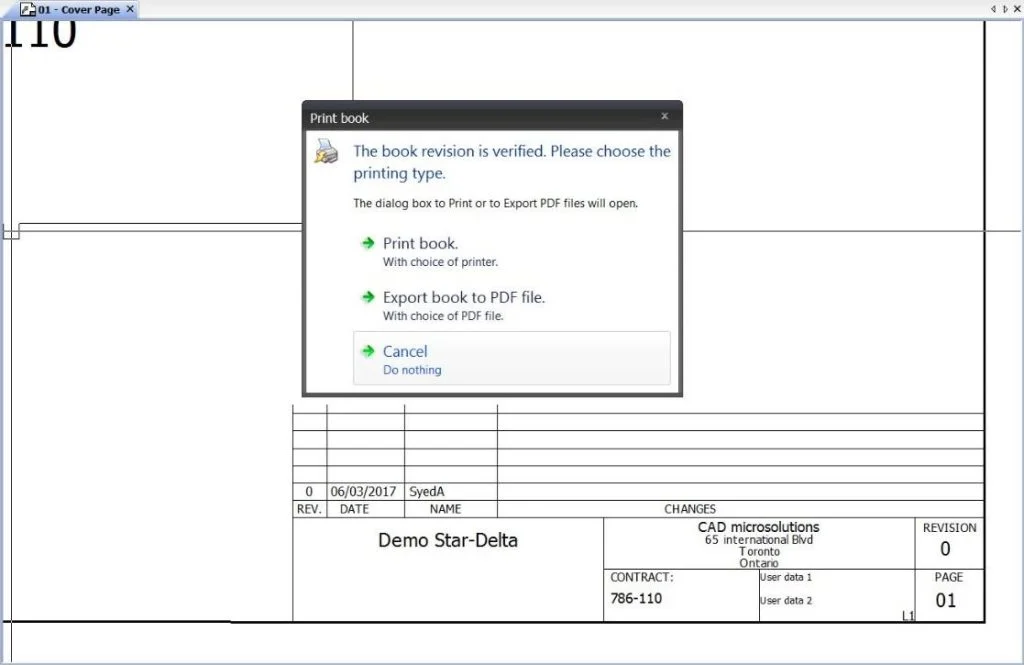
Figure 7 – Print options for revised document
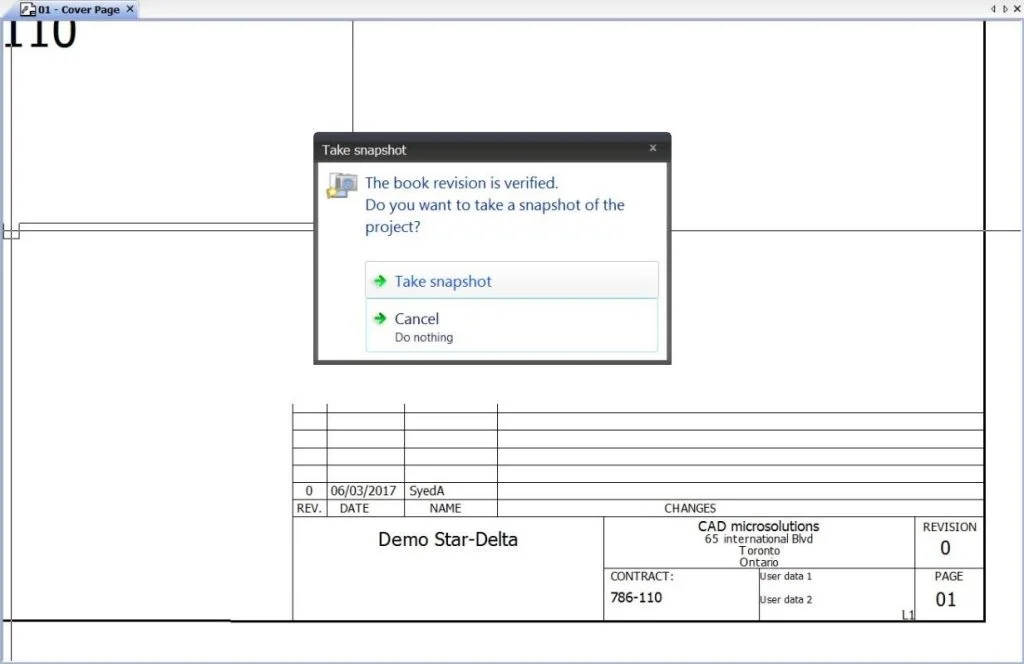
Figure 8 – Snapshot of revised document
The whole process should be repeated when we want to update another revision. See figure 9
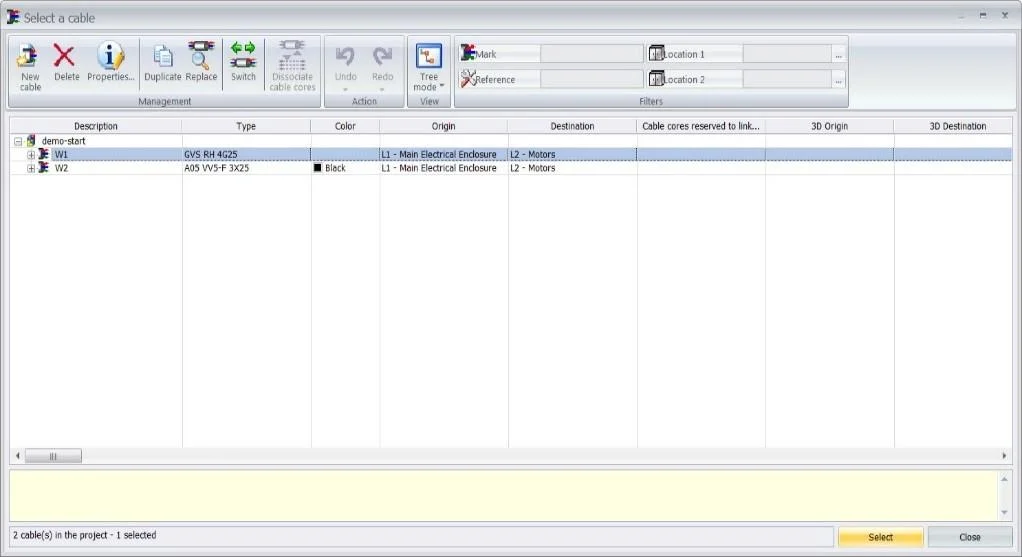
Figure 9 – Updated Revisions