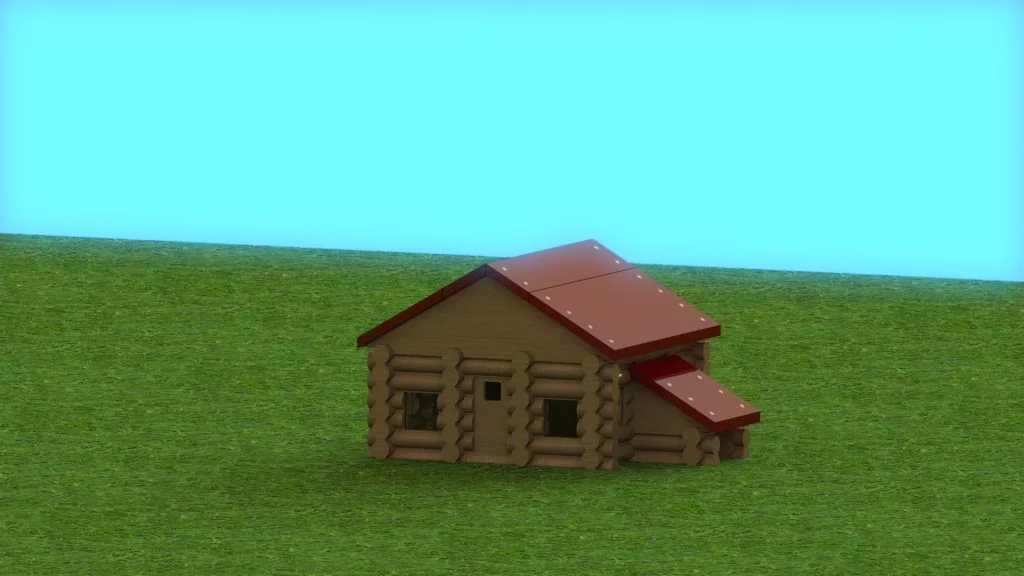

This is a tutorial for SolidWorks Education Edition 2013-2014. It is intended for students that are 8+ years old.
This is the first part of a 20 part series that explains all you need to know from adjusting basic settings and creating parts to importing these parts into an assembly and then rendering (making a nice picture) of the final log cabin assembly.
The video below explains the basics of opening a SolidWorks part document, adjusting the settings, and the different view options.
If you do not want to create the parts for the log cabin, skip ahead to part 12 out of 20. All the parts that are needed for the log cabin assembly can be downloaded by clicking here.
The next blog post will explain how to create simple logs.