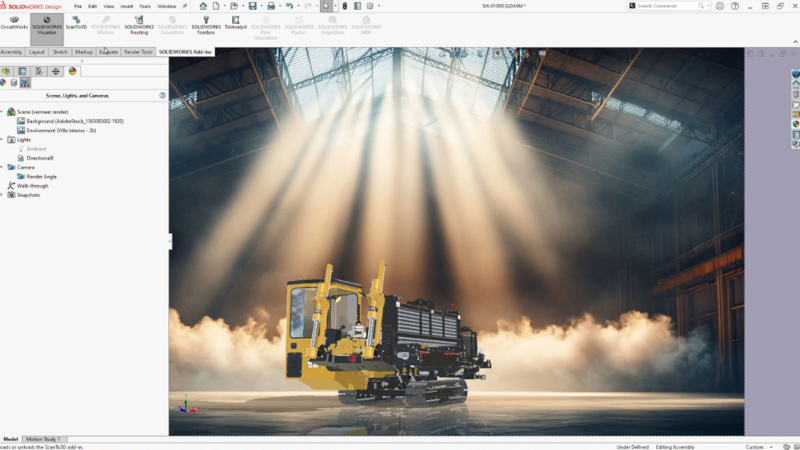

At Dassault Systèmes, we believe that design goes beyond simply creating a product; it’s about creating an experience. SOLIDWORKS visualization and rendering capabilities build on this concept to give you more control over your designs. This allows you to quickly explore intricate details, spatial arrangements, and aesthetic choices before production to convey design intent and collaborate with all stakeholders.
The latest visualization and rendering enhancements help you create virtual twins of your materials with DSPBR appearances, and experience more realistic versions of your SOLIDWORKS Design model with the Flatten Floor and Image-Based Lighting enhancements.
Did I mention you can do this right in your SOLIDWORKS Design environment? Let’s break down what’s new in SOLIDWORKS Design 2026 for visualization and rendering.
In SOLIDWORKS Design R2026x general availability (GA), we added support for Dassault Systèmes Physically-Based Rendering (DSPBR) appearances. DSPBR is a highly realistic, standardized material system developed by Dassault Systèmes and is now also available in SOLIDWORKS Design. It is designed to accurately simulate how light interacts with real-world surfaces, creating photorealistic textures for 3D design and engineering workflows. DSPBR Shading allows you to create realistic models with greater control over appearance parameters, using the new DSPBR appearances directly from SOLIDWORKS Design.
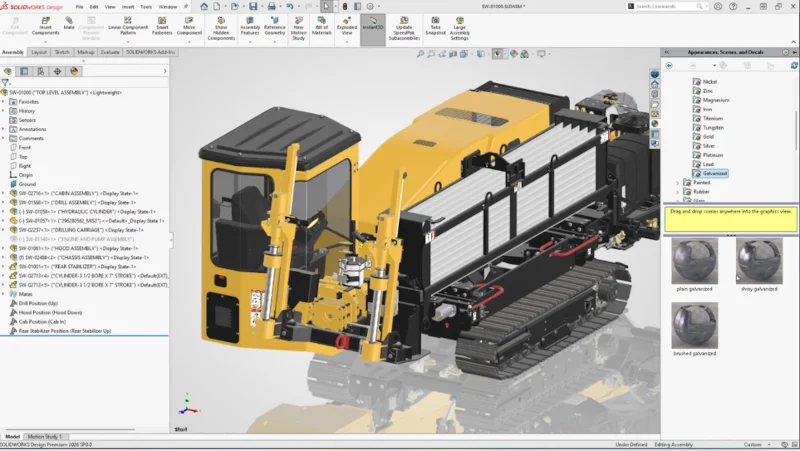
Additionally, SOLIDWORKS Scenes now features Image-Based Lighting (IBL) to increase realism and provide real-world lighting, along with background and reflections, based on the scene.
In addition, in FD01, we’ve given you more control over appearances by adding textures to Metallic, Transparency, and Normal parameters, and enabling Bump Maps for DSPBR appearances, giving you even more realistic outcomes directly within SOLIDWORKS.
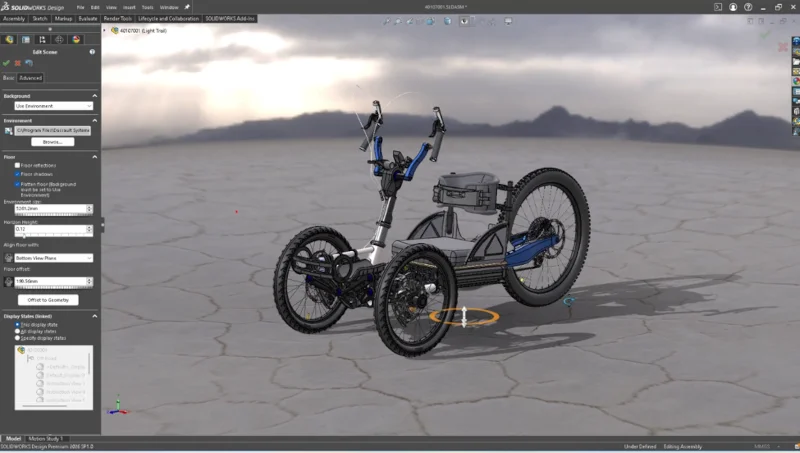
We also made Flatten Floor improvements within the Edit Scene functionality. It helps your models look more natural within the Scenes and feel more grounded when moving.
Also, did you know that if you have SOLIDWORKS Visualize, you can leverage its power from within SOLIDWORKS Design to quickly generate amazing renderings? Yes, in R2026x GA, we added that capability so you can create more accurate, photo-realistic models, communicate more thoroughly to stakeholders, create marketing materials and much more without having to leave Visualize!
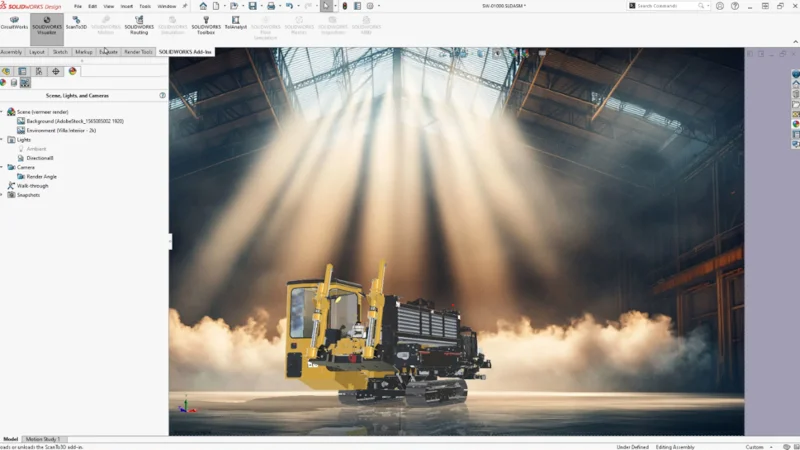
To see these features in action and learn about other enhancements, see the GA Wiki page here and the FD01 page here.
Visualization and rendering do far more than just create nice pictures. They accelerate your time-to-market by allowing you to test different design variations and appearances, and to conduct entire marketing virtual photo shoots long before a physical product even exists. These high-fidelity renderings supercharge your marketing campaigns and secure early buy-in when it matters most.
Plus, multidisciplinary engineering teams thrive on effective communication. By producing vivid 3D renders, you create a shared visual language that bridges the gap between technical and non-technical stakeholders, driving better collaboration.
With this technology, mechanical engineers can streamline their workflows, improve collaboration, and efficiently deliver high-quality products faster, and better yet, deliver an experience. The best part is you now have more of these tools at your fingertips in SOLIDWORKS Design. For those who want even more rendering capabilities, check out the SOLIDWORKS Visualize website here.