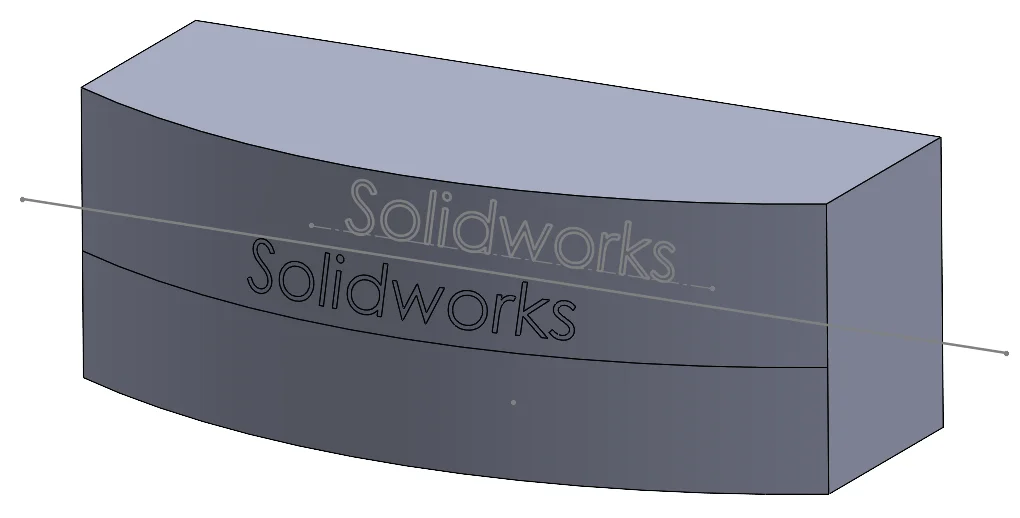

There are 3 main tools that can project our 2D sketch onto a face: Project curve, Split line and Wrap. How should we choose and what is the difference between them? Here are some tips for you.
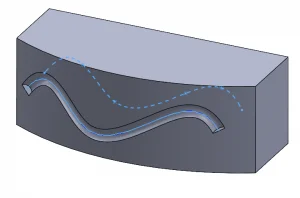
Project curve – For Sketch on faces projection type, it can generate a 3D curve on the projection faces from a 2D sketch. It is the most flexible feature that can work with any sketches and faces, but it cannot split the faces like the other two. It is a great tool for a sweep path.

Split line – For projection type, it can isolate a region from the sketch by dividing the original face. The sketch can be very flexible, it just needs to be able to create or divide the projection face, so it could be an open contour or even a single line only. It is usually used for appearance and decals.
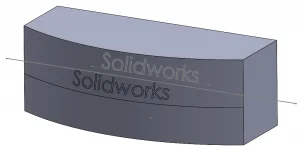

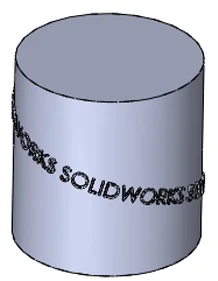
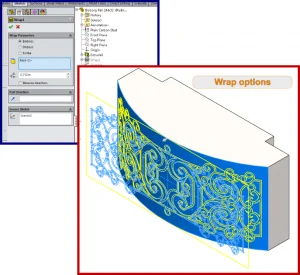
Wrap – Wrap is like the stickers, the only feature that not just projecting the sketch onto the face, but truly surround the face and create geometry. The Analytical method preserves legacy behaviour and wrap completely around a cylinder or cone; The Spline surface allows wrap on any face type.
The below chart is the key features between each tool.
Project curve
Split line
Wrap
Projection face type
Any
Any
Analytical: cylinder and cone only
Spline surface: any
Sketch limitation
No
Able to create a split face
Close contour within the projected face
Projected size
Adjust with face
Adjust with face
Fixed with sketch
Result
3D curve
Split faces
Emboss, Deboss or Scribe
Main usage
Sweep path, reference
Apply appearance, decals
Create geometry, fixed sketch size, fully around the face
Hope the information could help you understand these sketch projection tools more and select your suitable modelling tools.
Written by Marco Yam, Intelligent CAD/CAM Technology Ltd.