
More Ways to Learn and Design with SOLIDWORKS at No Cost
The path to becoming a SOLIDWORKS expert just got easier. As of July 2026, the entire MySolidWorks library of lessons and learning paths is available at no cost, making SOLIDWORKS training more accessible for students, educators, engineers, and self-learners. All you need is a 3DEXPERIENCE ID to get started.
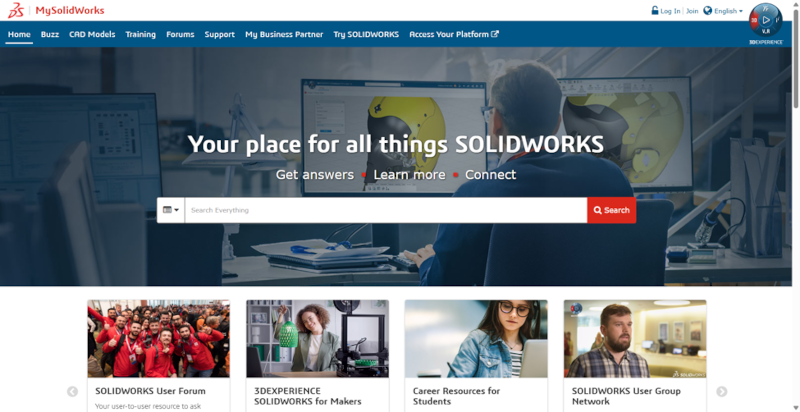
For those of you who aren’t familiar, MySolidWorks is an online hub and web portal for SOLIDWORKS users that features training resources, access to CAD models, community forums, and more. You can use it on any device to learn new skills, prep for SOLIDWORKS certifications, and find answers to your CAD questions.
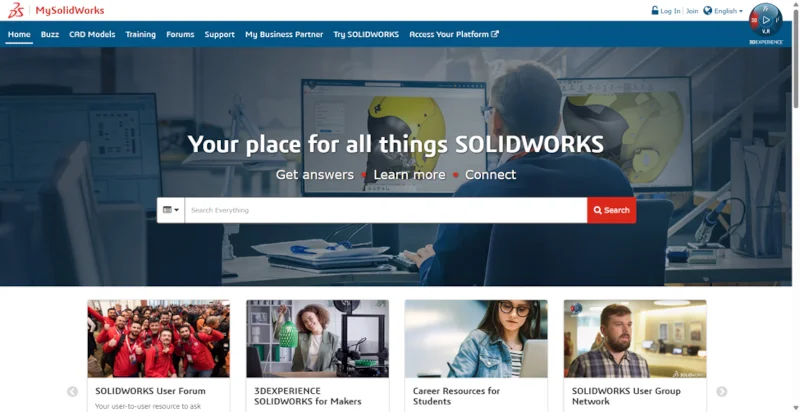
With more than 400 lessons available online, you can build your SOLIDWORKS skills whenever and wherever it suits you.
More Than 400 Lessons at Your Fingertips
MySolidWorks features SOLIDWORKS tutorials that cover a wide range of SOLIDWORKS products, disciplines, and workflows.
Whether you are using SOLIDWORKS for the first time, preparing for a certification exam, or looking to strengthen your knowledge in a specific area, you can find lessons and learning paths that support your goals.
The SOLIDWORKS learning paths are organized by related topic in a clear sequence, making it easier to build your skills one topic at a time.
Prepare for SOLIDWORKS Certifications
MySolidWorks offers popular preparation courses for the SOLIDWORKS Certification Program exams, including the Certified SOLIDWORKS Associate (CSWA) and Certified SOLIDWORKS Professional (CSWP).
These lessons can help you review important modeling concepts, improve your efficiency, and feel more confident as you prepare for certification.
Explore SOLIDWORKS in Greater Depth
The MySolidWorks library covers a wide range of topics, including SOLIDWORKS Design, simulation, electrical, PDM, assemblies, drawings, sheet metal, weldments, manufacturing, and visualization.
You can focus on the subjects that are most relevant to your work or explore new areas of SOLIDWORKS at your own pace.
On-demand Learning
MySolidWorks training is available online at any time.
You can complete a full learning path, focus on one specific skill, or return to a lesson whenever you need a refresher. This flexibility makes the content useful for students, educators, working professionals, and anyone who wants to continue developing their SOLIDWORKS knowledge.
SOLIDWORKS Design Standard Is Now Free for Students
The expanded access to MySolidWorks is part of a broader effort to make professional design tools and learning resources more accessible.
As of July 1, 2026, SOLIDWORKS Design Standard for Students is also available at no cost. Students can use professional desktop 3D CAD tools to learn, practice, work on personal projects, and develop practical design skills.
MySolidWorks is a great tool for students as well, as they can learn new skills for using SOLIDWORKS Design Standard for Students, prepare for SOLIDWORKS certifications, and create projects that demonstrate their design abilities.
Together, these offerings give students access to both the software and the training they need, helping them build skills that can support their education and future careers.
Start Learning in Seconds
Getting started with MySolidWorks is simple.
Visit MySolidWorks and sign in using your 3DEXPERIENCE ID or sign up for one at no cost. Then, choose a lesson or learning path and begin building your skills.
Students can also sign up for a SOLIDWORKS Design Standard for Students license and begin using professional 3D CAD tools on a compatible Windows computer.
Start Building Your SOLIDWORKS Skills Today
Whether you want to complete your first model, prepare for a certification, improve your productivity, or begin a career in design and engineering, there are now fewer barriers to getting started.
With free access to the MySolidWorks library and SOLIDWORKS Design Standard for Students, experienced and beginning users can improve their SOLIDWORKS skills and turn ideas into real designs.